In this article
- How does YouTube decide who sees your video?
- How do you get more people to click your videos?
- How do you keep viewers watching longer?
- How do you get viewers to watch the next video?
- Should you make Shorts to get more views?
- How do you get more views from YouTube search?
- How do you bring in views from outside YouTube?
- Which YouTube Analytics numbers should you watch?
- What is a simple weekly routine to grow your views?
- Frequently asked questions
To get more views on YouTube, you need more people to click your video when YouTube shows it to them, and you need the people who click to be glad they did. YouTube's recommendation system watches both: it learns from what viewers click, how long they watch, what they like and dislike, and how they answer satisfaction surveys. Win on both and YouTube shows your video to more people. Then add the part you control completely: traffic you bring in from outside YouTube.
This guide turns that into 12 practical tactics, each tied to a tool or report inside YouTube Studio. You will learn how to improve your thumbnails and titles with YouTube's built-in A/B test, how to read retention, how to keep viewers moving to your next video, how to use Shorts without cannibalizing your long-form work, and how to send your audience on other apps straight to a video.
The opportunity is large. YouTube says it has been the number one streaming service in the US by watch time for nearly three years, and Shorts now average 200 billion views a day.
Key takeaways
- Views come from two signals: people clicking (impressions click-through rate) and people being satisfied (watch time, likes, surveys).
- Half of all channels and videos have an impressions CTR between 2% and 10%. Judge yours against your own past videos, not someone else's.
- Use Test & Compare to try up to three titles and thumbnails. YouTube picks the winner by watch time, not clicks.
- Your first 30 seconds should deliver what the thumbnail promised. YouTube's retention report shows exactly where people leave.
- Links in Shorts descriptions are not clickable, so use the related video link to send Shorts viewers to your long-form videos.
How does YouTube decide who sees your video?
YouTube's recommendation system aims to show each viewer videos they will find valuable. According to YouTube's own explanation, it uses a viewer's watch history, likes, dislikes, subscriptions and feedback, including satisfaction surveys, along with broader trends and topic signals. In search, it balances relevance, engagement and quality.
In practice, that means two questions decide your reach. Do people click when your video is shown? And once they click, do they stay and feel good about it? A video that gets clicks but loses viewers quickly will stall. A video that holds viewers but never gets clicked never gets the chance.
How do you get more people to click your videos?
Every view starts with an impression: your thumbnail and title appearing on someone's home page, in search or next to another video. Your impressions click-through rate (CTR) shows how often those impressions turn into views.
1. Design the thumbnail and title together
The thumbnail makes people stop; the title tells them why to click. They should work as a pair, not repeat each other. If the thumbnail shows the result ("before and after"), the title can name the method. Keep thumbnail text to a few words that read at phone size, and make the title specific about what the viewer gets.
2. Test titles and thumbnails with Test & Compare
YouTube Studio's Test & Compare lets you try up to three titles, thumbnails or combinations on one video. At the end of the test, YouTube shows the version with the highest watch time to everyone. Tests usually finish within two weeks. You need advanced features turned on and a computer, and it does not work on Shorts, scheduled lives or Premieres.
Pro tip
Because Test & Compare picks winners by watch time, a clickbait thumbnail that gets clicks but disappoints viewers will lose. Test real differences, such as a face versus the product, or the outcome versus the question, rather than small color changes.
3. Read your CTR against your own baseline
YouTube says half of all channels and videos have an impressions CTR between 2% and 10%. That range is wide because CTR depends on where impressions come from: subscribers on the home page click more than strangers in search. Compare each new video with your own recent uploads over the same first few days. If CTR is low but retention is strong, the packaging is the problem, not the video.

How do you keep viewers watching longer?
Clicks get you a chance. Watch time and satisfaction decide whether YouTube keeps recommending the video.
4. Deliver the promise in the first 30 seconds
YouTube's key moments report includes an Intro figure: the share of viewers still watching after the first 30 seconds. YouTube's own advice is to ask whether those 30 seconds match what the title and thumbnail promised. Cut long greetings, logo stings and "before we start" asides. Show the result, state the question, then get going.
5. Fix the dips, repeat the spikes
The same report marks spikes, where viewers rewatch or share, and dips, where they skip or leave. Open it for your last five videos and look for patterns. If viewers drop during sponsor reads or long setups, tighten them. If they rewatch demonstrations, put more of those in.
6. Add chapters
Chapters split your video into labeled sections with their own previews, which helps viewers find what they came for and rewatch parts. To add them manually, list timestamps in the description starting at 00:00, with at least three in order and each chapter at least 10 seconds long. YouTube can also generate chapters automatically.
How do you get viewers to watch the next video?
A view that leads to another view is worth more than one that ends your session. Build paths between your videos.
7. Use end screens on every long-form video
End screens appear in the last 5 to 20 seconds of videos at least 25 seconds long. You can add up to four elements, such as a video, a playlist, a subscribe button or another channel. Point to the single most relevant next video and say why out loud: "If you want the budget version, watch this one next."
8. Build series and playlists
Videos that belong together get watched together. Group related uploads into playlists, number multi-part videos, and link the next part in your pinned comment. Long-form descriptions and comments support clickable links, so use them to connect your videos.
Should you make Shorts to get more views?
Shorts reach a huge audience, but views on Shorts and views on long-form videos behave differently. Use Shorts to get discovered, then move the right viewers to your longer work.

9. Cut Shorts that tease a full video
Since October 2024, Shorts can run up to three minutes. Take the strongest moment from a long video, cut it into a Short that stands on its own, and make it clear there is more. Turning one long video into several Shorts is also the easiest way to post more without filming more; our guide to turning one idea into a week of posts shows how.
10. Set a related video on every Short
URLs in Shorts descriptions and comments are not clickable. The related video link is: it shows as a clickable link under your channel handle and can point to one of your videos, Shorts or lives. Link each Short to the long-form video it came from.
How do you get more views from YouTube search?
Search traffic is steady and long-lasting, because people keep searching for the same problems for years.
11. Use the words your viewers type
Start typing your topic into the YouTube search bar and note the suggestions: those are phrases real viewers use. Put the main phrase in your title in natural language, explain the video in the first lines of your description, and name your chapters clearly so viewers can scan the video. For more on this, read our guide to social SEO for creators.
How do you bring in views from outside YouTube?
The algorithm decides most of your reach, but outside traffic is the part you control. Every follower you have on TikTok, Instagram, X or Threads is a potential viewer on day one of a new upload.
12. Cross-promote with a link that plays the video
Post a short teaser on each platform and send people to the full video. On most apps, that means your link in bio: Instagram, for example, only tests clickable caption links with Meta Verified subscribers, capped at 10 a month. A plain YouTube URL in your bio works, but a page with the video embedded lets visitors start watching right where they tapped.
| Platform | What to post | Where to send viewers |
|---|---|---|
 TikTok TikTok | A vertical cut of the best moment, with the question the full video answers | Link in bio with the video at the top |
 Instagram Instagram | A Reel teaser plus a Story on launch day | Link in bio |
 X X | A clip or a key takeaway | The video URL, then your link in bio for everything else |
 Threads Threads | A short post on what you learned making the video | Link in bio |
 YouTube Shorts YouTube Shorts | A standalone Short from the same video | Related video link |
Update your link in bio the day a video goes live, so the newest upload is the first thing people see. If you already feature several videos, a swipeable carousel keeps the page short. Our guide to the best link in bio setup for YouTubers covers the rest of the page.
Which YouTube Analytics numbers should you watch?
You do not need every report. These five tell you what to fix next.
| Metric | What it tells you | What to do about it |
|---|---|---|
| Impressions CTR | How often people click when shown your video | Low against your baseline? Test a new title or thumbnail. |
| Intro (first 30 seconds) | How many viewers stay past the opening | Low? Start with the payoff and cut the warm-up. |
| Key moments: spikes and dips | Which parts viewers rewatch or skip | Make more of the spikes, tighten the dips. |
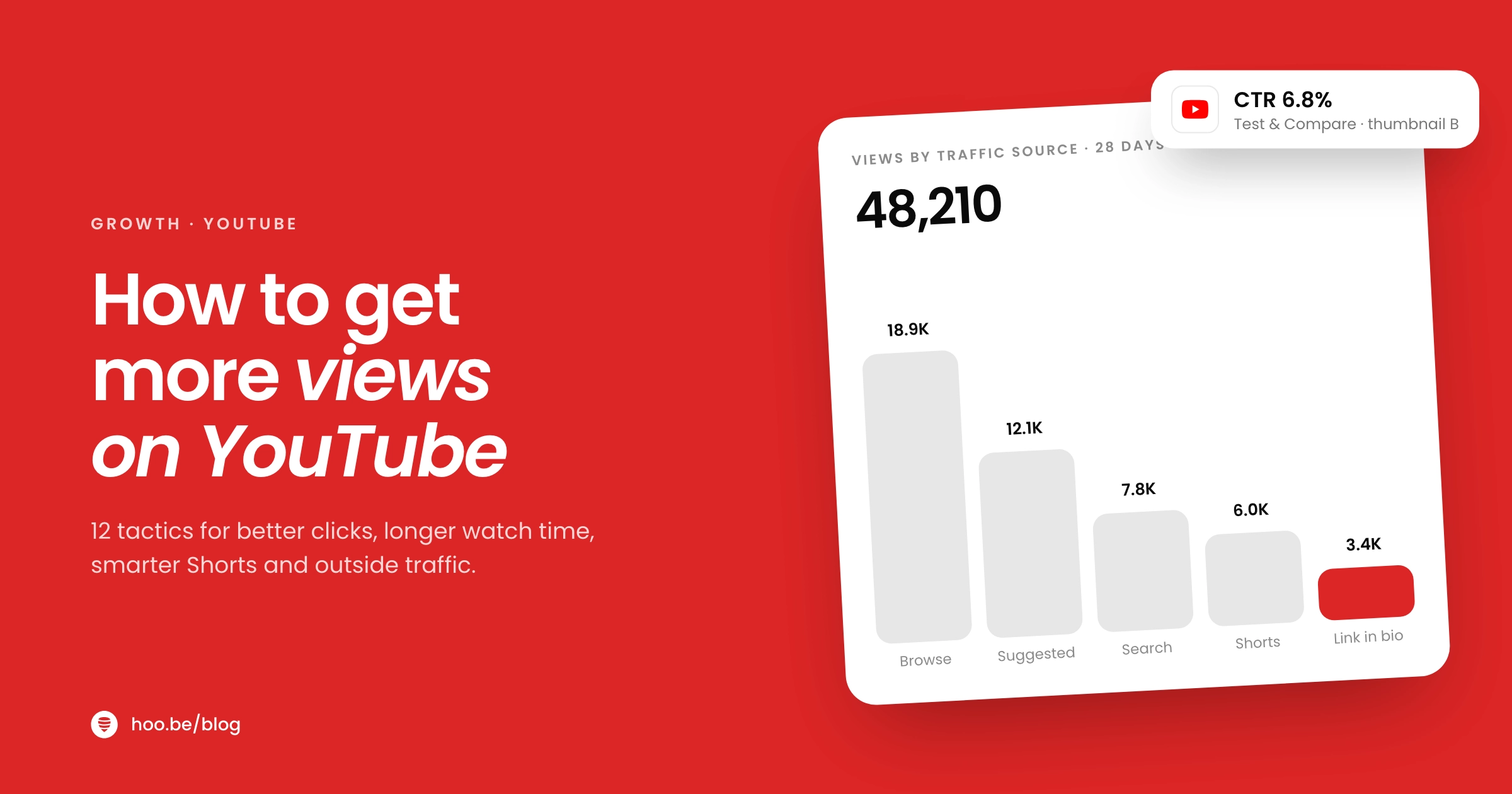
| Traffic sources | Which parts of YouTube, and which outside sites, send your views | Double down on the source that grows. |
| Test & Compare results | Which packaging earns the most watch time | Apply what wins to your next uploads. |

What is a simple weekly routine to grow your views?
- Pick one topic people search for. Check search suggestions and your comments for questions. If you are stuck, try these prompts for when you have no ideas.
- Write the title and sketch the thumbnail first. Then plan the opening 30 seconds to deliver that promise.
- Film and edit with chapters in mind. Clear sections help viewers and search.
- Publish with two or three packaging options. Start a Test & Compare on long-form uploads.
- Add an end screen and pinned comment. Point to the best next video.
- Cut two or three Shorts. Set the full video as each Short's related video.
- Cross-promote on launch day. Post teasers on TikTok, Instagram, X and Threads, and put the new video at the top of your link in bio.
- Review after a week. Check CTR, intro retention, dips and traffic sources, and note one thing to change next time.
Avoid shortcuts
YouTube's fake engagement policy bans anything that artificially inflates views, likes or comments, including bought views and "sub4sub" swaps, and repeat violations lead to channel strikes. Misleading thumbnails are allowed but backfire, because recommendations learn from likes, dislikes and satisfaction surveys. Steady improvements to packaging and retention compound; tricks do not.
Consistency matters more than any single tactic. A plan you can keep, even one video every two weeks, beats a burst you cannot sustain. Our guide on why every creator needs a content strategy helps you set one.
Send every follower straight to your latest video
hoo.be embeds YouTube videos and Shorts on your link in bio page, groups several videos into a swipeable carousel, and shows which links get tapped, with a YouTube tab in analytics. Free to start.
Feature your videos on hoo.beFrequently asked questions
What is the fastest way to get more views on YouTube?
There is no instant fix, but the quickest wins usually come from packaging and openings. Test new titles and thumbnails with Test & Compare, make the first 30 seconds deliver what the thumbnail promises, and promote each new upload on your other platforms on launch day.
What is a good click-through rate on YouTube?
YouTube says half of all channels and videos have an impressions click-through rate between 2% and 10%. CTR varies with traffic source and topic, so compare each video with your own recent uploads rather than chasing a single number.
How does YouTube Test & Compare choose a winner?
You can test up to three titles, thumbnails or combinations on one long-form video. At the end of the test, usually within two weeks, YouTube shows the version with the highest watch time to all viewers. It is not available for Shorts, scheduled lives or Premieres.
Do YouTube Shorts help long-form views?
They can, if you connect them. Links in Shorts descriptions and comments are not clickable, so set a related video on each Short. It appears as a clickable link under your handle and can send viewers to the full video.
How long can YouTube Shorts be?
YouTube Shorts can be up to three minutes long. Longer Shorts give you room to tell a complete mini story, but keep the opening tight, because viewers swipe away quickly.
Does sharing YouTube videos on other platforms help?
Yes. Outside traffic adds viewers you would not otherwise reach, and the people who come from your other accounts already know you. Post a teaser on each platform and send viewers to a link in bio with the new video at the top.
Should I add chapters to my YouTube videos?
Yes for most videos over a few minutes. Chapters split the video into labeled sections with their own previews, so viewers can find and rewatch what they need. Start timestamps at 00:00, list at least three in ascending order, and keep each chapter at least 10 seconds long.
Sources
- YouTube, How YouTube Works: Recommendations
- YouTube Blog, From the CEO: What's coming to YouTube in 2026 (Jan 2026)
- YouTube Help, Impressions and click-through rate
- YouTube Help, Test & Compare titles and thumbnails
- YouTube Help, Key moments for audience retention
- YouTube Help, Video chapters
- YouTube Help, Add end screens to videos
- YouTube Help, Understand three-minute YouTube Shorts
- YouTube Help, Add a related video to your YouTube Shorts
- YouTube Help, Clickable links on YouTube
- YouTube Help, Fake engagement policy
- Engadget, Meta tests clickable links in Instagram captions (Mar 2026)