How to Add Spotify Music to Your Page
2 min read · Updated
Embed a Track, Album, or Artist Profile on Your hoo.be Page
Paste a Spotify link and your page builds a rich music block automatically, fans can preview it, save it, and open it on any streaming platform in one tap, all in a block that looks like your release.
Available on: All plans
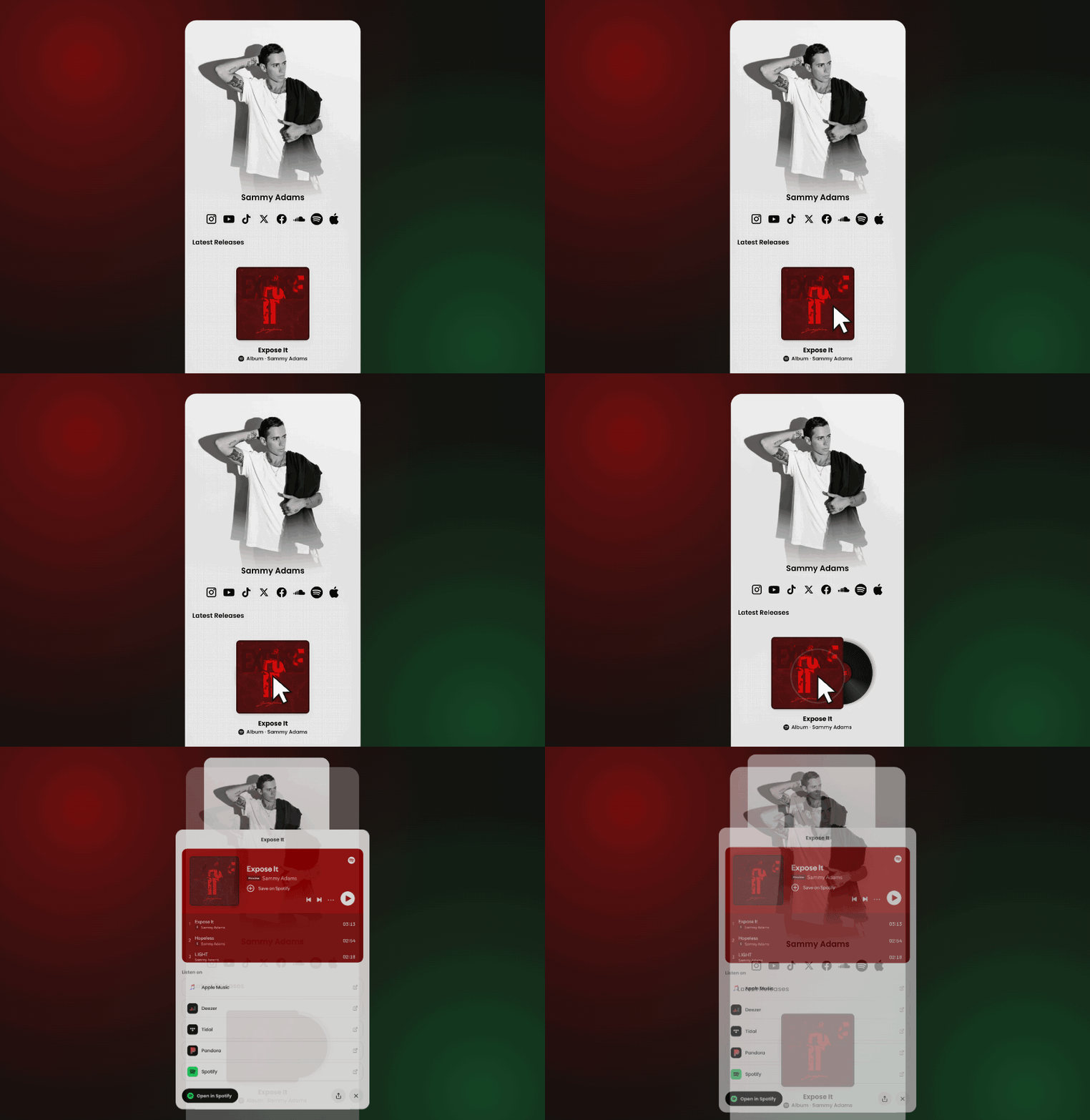
How to Add a Spotify Embed
Steps:
Log in to your hoo.be account at hoo.be/login
Go to your page and click + Add Content
Paste a Spotify track, album, or artist link, grab it from the Spotify app under Share › Copy link
Choose what to make: a Spotify embed for the player, or a Music block to list the release on every service
Save to put it on your page
Accepted URL formats:
open.spotify.com/track/TRACK_IDopen.spotify.com/album/ALBUM_IDopen.spotify.com/artist/ARTIST_ID
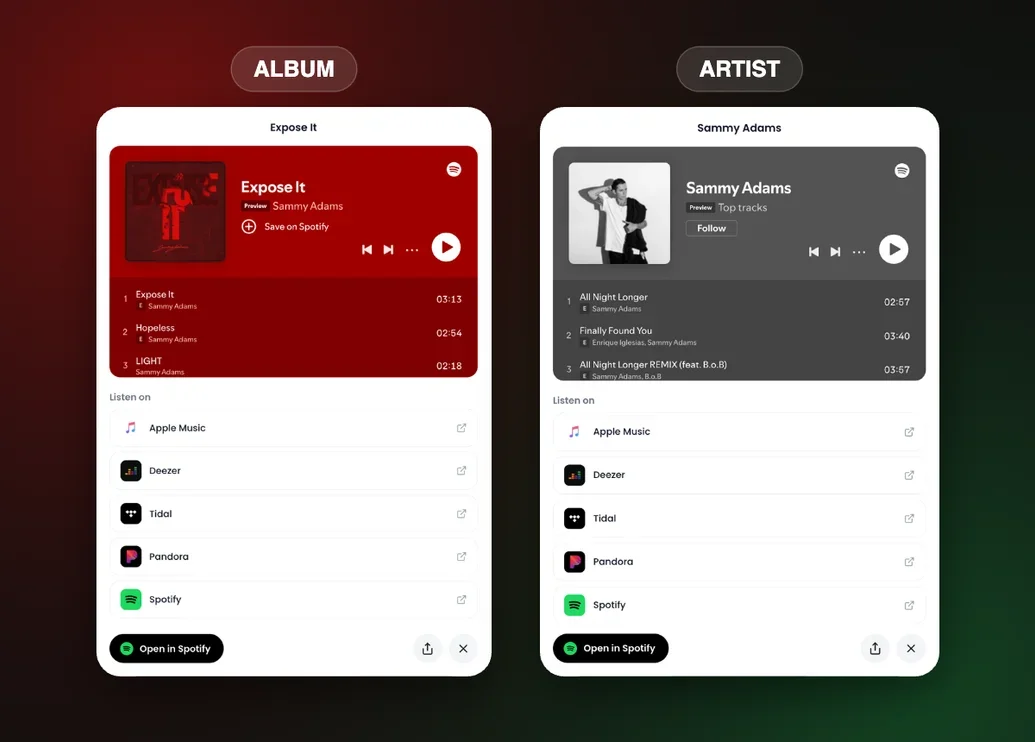
What Your Embed Includes
Every Spotify embed builds automatically from the link you paste:
Artwork and track list. Pulled straight from the release, no manual setup
One-tap streaming. A Music block lists the release on Spotify, Apple Music, YouTube Music, Amazon Music, SoundCloud, Deezer, Tidal and Pandora.
Preview and save. Visitors can listen and save without leaving your page
On-brand by default. The block matches your release so it looks like part of your page
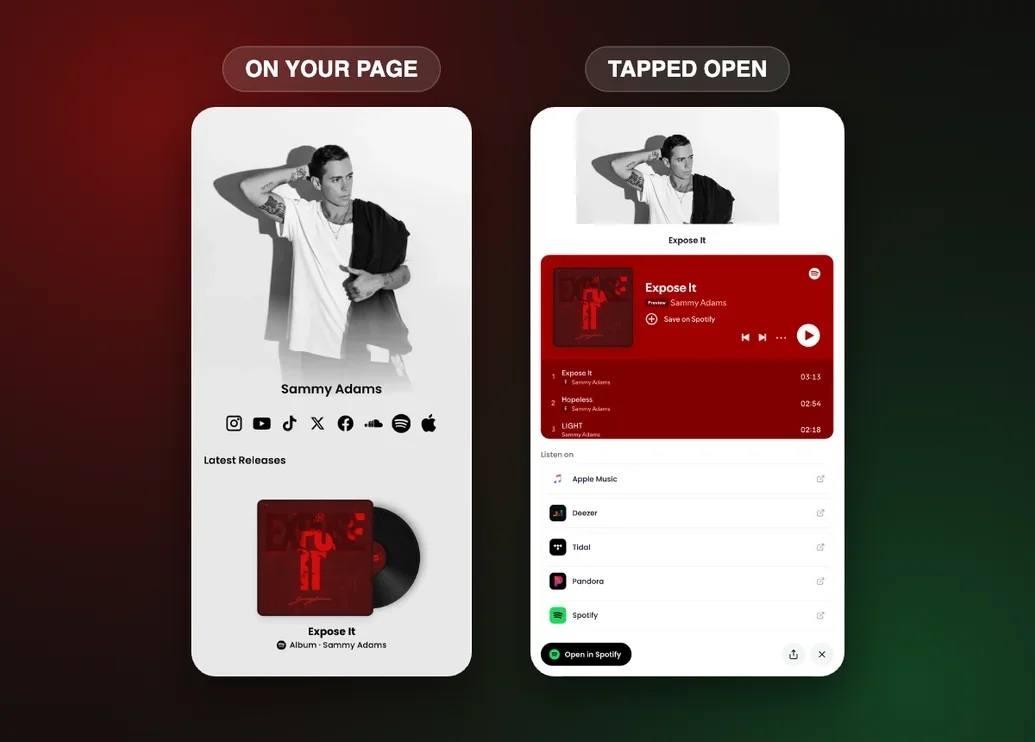
How to Customize Your Spotify Block
Click the block to open Edit Link Block and adjust:
Layout. Switch between the embedded player or a standard link card
Title. Update the display name
Image. Upload or replace the cover image
Styles. Adjust border, background, text color, and more
Important Considerations
Links stay current. Your embed always reflects the live release on Spotify, so artwork and track lists stay up to date automatically
Embed availability. Most track, album, and artist links will embed. If a URL isn't embeddable, it will display as a standard link card instead
One place for your music. There's no need for a separate music aggregator tool. Your streaming links live directly on your page
Was this article helpful?