How to Share Your hoo.be Page
1 min read · Updated
Your hoo.be page is designed to be shared. With just a few clicks, you can copy your link, add it directly to your social bios, or share it across your favorite platforms.
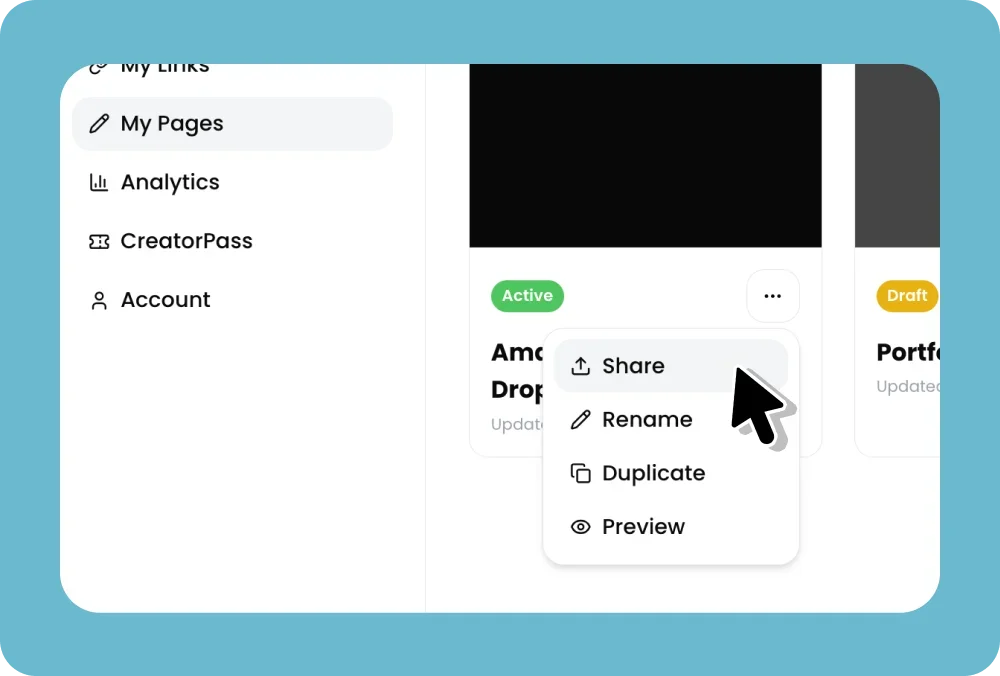
Steps:
Log in to your hoo.be account at hoo.be/login
From the Home page, click the share icon in the top right corner
From the share panel you can:
Add to your socials. Follow guided steps to add your hoo.be link directly to your Instagram, TikTok, YouTube, and other platform bios
Open my hoo.be, open your live page in a new tab
My hoo.be QR code, show or download a QR code for your page
Share straight to iMessage, WhatsApp, X or Telegram, or tap More apps for your phone's own share sheet, which is where Mail and everything else lives
Copy your link directly from the bottom of the panel
 iMessage
 WhatsApp
 X
X TelegramMore appshoo.be/yourhandle
Best Practices
Add your hoo.be link to all of your social media bios so your audience can always find everything in one place
Pin a post or add it to your video descriptions for ongoing visibility
Add it to your email signature for passive sharing
Was this article helpful?