In this article
- Why should creators build an email list in 2026?
- What should you offer people to sign up?
- Where should the signup go on your link in bio?
- Which email platform should you use?
- How do you set up an email signup on your link in bio?
- What should your welcome email say?
- How do you get more people to sign up?
- What rules do you have to follow?
- How do you measure your email list growth?
- Frequently asked questions
To build an email list from your link in bio, put one signup form at the top of your page, offer a specific free reward for joining, and send a useful welcome email the moment someone subscribes. That is the whole system. Everything else is about making each of those three steps a little better.
It is worth the effort. Patreon's 2025 creator survey found 53% of creators say it is harder to reach their followers than it was five years ago. Email is the one channel where you decide who sees your message. Across 3.6 million campaigns, MailerLite's 2025 benchmarks put the average open rate at 43.46%, far more than the share of followers who see a typical post.
This guide walks through the offer, the form, the tools, the welcome email, the traffic and the rules, with 2026 pricing for the main email platforms.
Key takeaways
- An email list is the only audience no algorithm can throttle. Your bio link is where most of it will come from.
- Offer something specific, like a checklist, template or guide, instead of "join my newsletter".
- Ask for an email address and nothing else, and put the form in the first screen of your link in bio.
- You can start free: Kit is free up to 10,000 subscribers, beehiiv up to 2,500, and Substack is free until you charge.
- Follow the rules from day one: a clear unsubscribe link, a postal address in marketing emails, and opt-outs honoured within 10 business days in the US.
Why should creators build an email list in 2026?
Because you rent your followers and own your list. A platform can change its algorithm, cap your hashtags or restrict your account, and the people who follow you have no say. An email address goes with you to any tool, and your message lands in an inbox rather than competing in a feed.
Email is also where money is made. A launch email to people who asked to hear from you outsells a post that only part of your audience sees. It is how you announce a new product, fill a workshop, share affiliate picks or tell fans about a tour. It also makes your link in bio work harder, as our guide to turning your link in bio into a revenue driver explains. If you are building income streams, our guide to making money beyond brand deals shows where email fits.
What should you offer people to sign up?
"Join my newsletter" asks people to do you a favour. A good offer does them one. The best signup offers, often called lead magnets, are quick to use and solve the exact problem your content is about.
| Your niche | Signup offer that works |
|---|---|
| Fitness | A four-week plan as a one-page PDF |
| Beauty | Your shade-matching guide or full product list with links |
| Food | Five weeknight recipes with a shopping list |
| Music | Early access to tickets or an unreleased demo |
| Coaching | A self-assessment or worksheet from your method |
| Creator education | A template, such as a media kit or pitch email |
| Any niche | A short weekly email with one specific promise, like "three finds every Friday" |
To find yours, look at your DMs and comments. The question you answer most often is your lead magnet. Make it something people can use in five minutes, and name it plainly: "The 10-minute morning routine checklist" beats "My free guide".
Pro tip
Match the offer to your best-performing content. If your most-saved post is a skincare routine, the signup offer should be that routine as a printable checklist. People who loved the post will want the download.
Where should the signup go on your link in bio?

Above everything else, in the first screen. Visitors from Instagram or TikTok arrive on a phone, decide fast and rarely scroll far. If the signup sits under twelve links, most people never see it.
A form built into the page beats a link that opens a separate signup page. Every extra tap and page load loses people. Keep it to the minimum:
- One field. Ask for an email address only. You can ask for a first name later, inside your welcome email or a survey.
- A headline that sells the offer. "Get my free 4-week plan" beats "Subscribe".
- One line on what happens next. "One email every Sunday. Unsubscribe anytime." Clear expectations mean fewer spam complaints.
- A button with a verb. "Send me the plan" tells people what they will get.
Then keep the rest of the page focused. A signup form competes with every other link. Our common link in bio mistakes guide covers how to cut clutter, and what to add to your link in bio covers what deserves a spot.
Which email platform should you use?
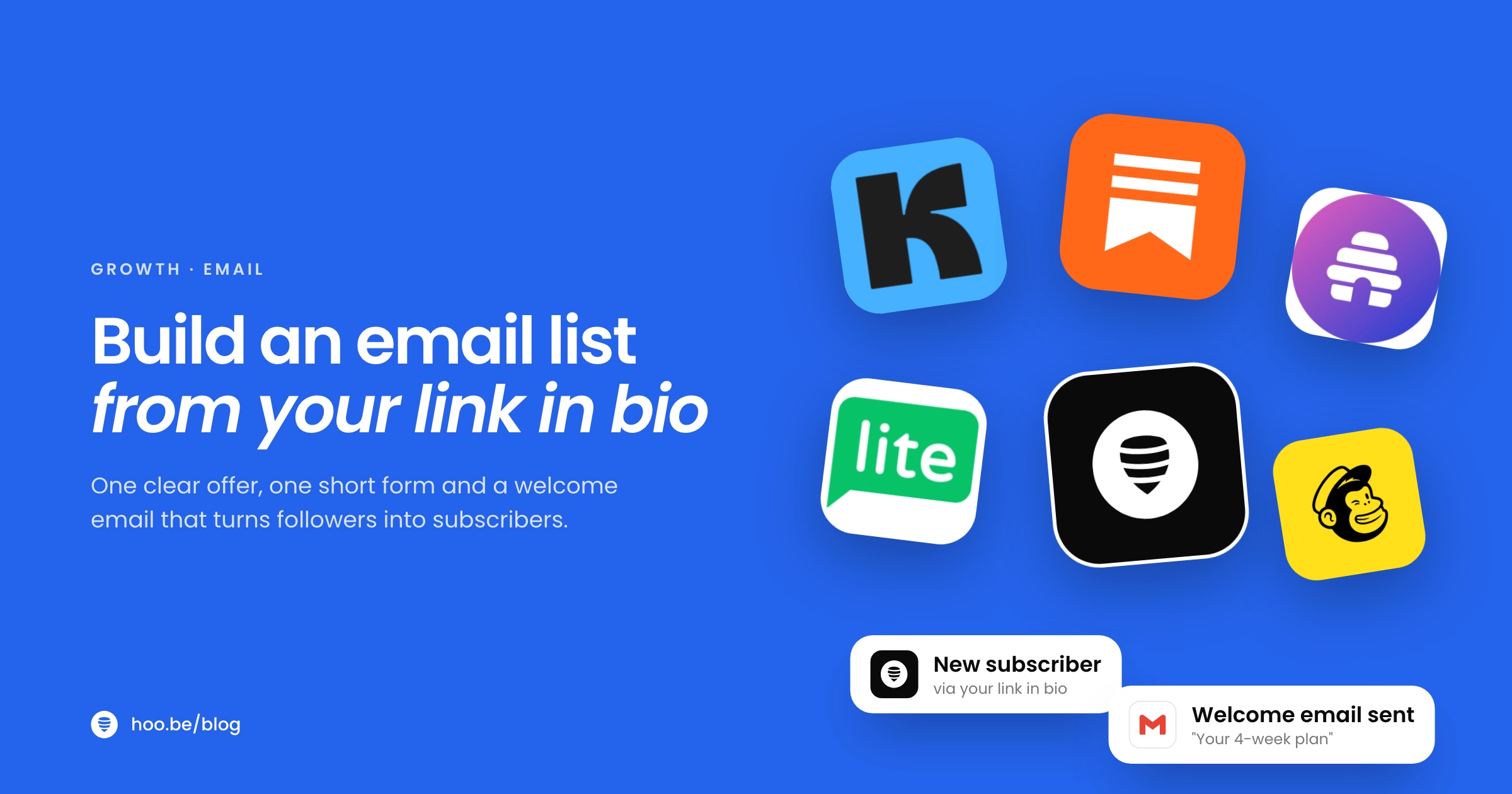
All the main platforms can collect subscribers and send newsletters. They differ in how many subscribers you get free and what happens when you start charging. Here is what each offers as of October 2026, from their pricing pages.
| Platform | Free plan | Paid plans from | Best for |
|---|---|---|---|
| Kit | Up to 10,000 subscribers, unlimited forms and broadcasts | $33/mo billed yearly (automations) | Creators who sell digital products |
| beehiiv | Up to 2,500 subscribers, unlimited sends | $49/mo billed yearly | Newsletter-first creators; 0% cut of paid subscriptions |
 Substack Substack | Free to publish | 10% of paid subscription revenue, plus card fees | Writers who want paid subscriptions built in |
| MailerLite | Up to 250 subscribers, 2,500 emails a month, 3 automations | $12/mo billed yearly | Simple automations on a budget |
| Mailchimp | 250 contacts, 500 sends a month | $13/mo (Essentials, introductory price) | Creators who also run a small shop |
Sources: each platform's pricing page, October 2026. Kit charges 3.5% + 30¢ on digital product sales; beehiiv charges Stripe's processing fee only. Prices change, so check before you sign up.
For most creators starting from zero, a generous free tier matters more than features. Kit's free plan covers the first 10,000 subscribers, which is a long runway. If you write long posts and may charge later, Substack builds paid subscriptions in from day one. If you are unsure, pick the free plan that fits your size today. You can move later.
How do you set up an email signup on your link in bio?
Here is the full setup, start to finish. Plan on an afternoon.
- Pick your offer. Choose one specific freebie from your most-asked question, and make it in a format people can use in minutes.
- Choose your email platform. Sign up for a free plan from the table above and set your sender name to the name your followers know.
- Write the welcome email first. It delivers the freebie and sets expectations. Set it to send automatically to every new subscriber.
- Add the signup form to your link in bio. Use a built-in form, or embed your platform's form, at the top of the page with a headline that names the offer.
- Connect the two. If your link in bio collects emails itself, export or sync the list into your email platform on a set schedule so new subscribers get the welcome email.
- Test it on your phone. Sign up with a personal address, check the welcome email arrives, check the download works, and check it did not land in spam.
- Tell people. Mention the offer in your next three posts and pin a story or highlight about it.

What should your welcome email say?

Your welcome email is the one almost everyone opens, because they signed up seconds ago. Use it well:
- Deliver the freebie at the top. One clear link or button. Do not make people hunt for it.
- Say who you are in two lines. Many new subscribers found you through one post.
- Set expectations. How often you will email and what kind of emails they will get.
- Ask one question. "Reply and tell me what you are stuck on." Replies help deliverability and give you content ideas.
- Point to one next step. Your best video, your shop or your most popular guide, not ten links.
After that, send on a schedule you can keep. A useful monthly email beats a weekly one that stops after three weeks. Make most emails helpful and some promotional, not the other way round.
How do you get more people to sign up?
A form only works if people see it. Send traffic to it from every platform.
 Instagram: mention the offer in captions ("free plan at the link in my bio"), pin a reel about it, and keep a highlight that explains it. Stories can carry a link sticker straight to your page.
 TikTok: make a video that gives part of the answer on screen and offers the full checklist through your bio link.
 YouTube: say it out loud mid-video, put the link at the top of the description and pin a comment.
- Everywhere: repeat it. Most followers miss most posts, so mention the offer regularly, not once.
Content that people search for keeps sending signups for months. Pair this with social SEO so your posts keep finding new viewers.
What rules do you have to follow?
Email has real rules, and inbox providers enforce them. In the US, the FTC's CAN-SPAM guidance requires that commercial emails:
- use accurate sender details and subject lines,
- identify the message as an advertisement where it is one,
- include your valid physical postal address,
- explain clearly how to opt out, and honour opt-outs within 10 business days.
Each violating email can cost up to $53,088 in penalties. Most email platforms add the unsubscribe link for you, and the FTC accepts a registered PO box or private mailbox instead of your home address. Other countries have their own rules, especially around consent in the UK and EU, so only email people who signed up.
Gmail adds its own rules for anyone sending more than 5,000 messages a day: authenticate your domain with SPF, DKIM and DMARC, support one-click unsubscribe, and keep spam complaints below 0.30%. Your email platform can help with authentication, but sending only to people who asked for your emails keeps complaints low.
Never buy a list
Bought or scraped lists break consent rules, cause spam complaints and can get your account suspended by your email platform. Grow your list only from people who sign up themselves.
How do you measure your email list growth?
Track three numbers each month: new subscribers, open rate and click rate. For a sense of normal, MailerLite's 2025 benchmarks across 181,000 accounts show how creator-adjacent industries compare.
Average email open rate by industry
The same report puts the average click rate at 2.09% and unsubscribes at 0.22%. If your open rate is well below these, check that your sender name is one people recognise and that you are emailing on the schedule you promised. On your link in bio, watch the share of visitors who sign up. If it is low, test a sharper offer or move the form higher.
Collect emails right on your link in bio
hoo.be has built-in Contact collection and Forms blocks, plus a Substack signup embed, so visitors can subscribe without leaving your page. Export contacts to CSV for any email platform. Free to start.
Claim your hoo.beFrequently asked questions
How do I add an email signup to my link in bio?
Add a signup form block, or embed your email platform's form, at the top of your link in bio page. Ask only for an email address, name the free offer in the headline, and connect the form to your email platform so every new subscriber gets a welcome email.
What is a good lead magnet for creators?
A short, specific resource that answers the question your followers ask most: a checklist, template, product list, recipe pack, workout plan or early access. It should be useful in five minutes and match the content people already love from you.
What is the best free email platform for creators?
Of the main platforms, Kit has the largest free plan, with up to 10,000 subscribers, unlimited forms and broadcasts. beehiiv is free up to 2,500 subscribers with unlimited sends. Substack is free to publish and takes 10% only when you charge for subscriptions.
How often should I email my list?
As often as you can keep up with useful content. Weekly or every two weeks works well for most creators, and monthly is fine if it is consistent. Tell subscribers the schedule in your welcome email and stick to it.
What is a good email open rate?
MailerLite's 2025 benchmarks put the average open rate across all industries at 43.46%, with an average click rate of 2.09%. Media averaged 42.97% and photo and video 49.98%. Compare your own trend over time rather than one email.
Do I need a physical address in my emails?
In the US, yes, for commercial emails. The FTC's CAN-SPAM rules require a valid physical postal address, which can be your street address, a PO box registered with USPS or a registered private mailbox. You must also offer a clear opt-out and honour it within 10 business days.
Sources
- TechCrunch on Patreon's State of Create report (Feb 2025)
- MailerLite, Email marketing benchmarks 2025
- Litmus, The ROI of email marketing
- Kit, Pricing
- beehiiv, Pricing
- Substack, Going paid
- MailerLite, Pricing
- Mailchimp, Marketing plans pricing
- FTC, CAN-SPAM Act: A Compliance Guide for Business
- Google, Email sender guidelines
- Instagram, Sharing links in Stories with everyone