In this article
- What are the most common link in bio mistakes?
- Is your link in bio too cluttered to click?
- Are your links broken, expired or chained?
- Is your page slow or hard to read on a phone?
- Are you making it hard to buy, book or contact you?
- Are you collecting emails and reading your analytics?
- How do you audit your link in bio in 15 minutes?
- How can hoo.be help you avoid these mistakes?
- Frequently asked questions
The most common link in bio mistakes are simple: too many links with no clear first choice, broken or expired links, pages that load slowly or are hard to read on a phone, no obvious way to buy or contact you, and no email signup or analytics. Each one costs you taps, sales and brand deals, and almost all of them take minutes to fix.
Your bio link carries more weight than any single post. Instagram gives you a 150-character bio and up to five links. TikTok gives you one website link once you reach 1,000 followers. Every post you make points at that one door, so a small problem on your page repeats across all of your traffic.
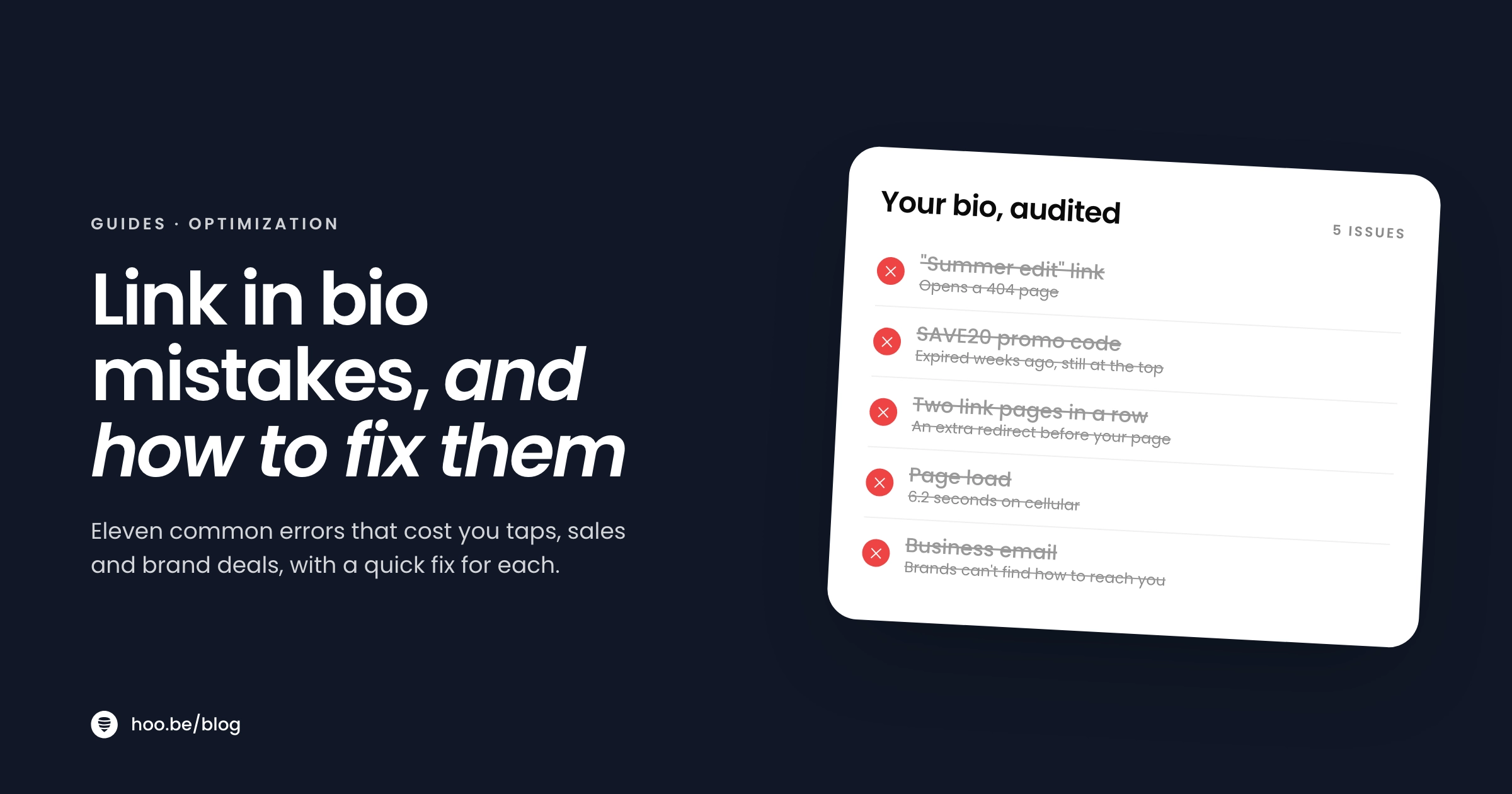
Here are 11 mistakes we see most often, grouped by what they break, with a fix for each and a 15-minute audit at the end.
Key takeaways
- Lead with one priority link. A wall of equal buttons makes people tap nothing.
- Check links often. Pew Research found 38% of web pages that existed in 2013 are no longer available.
- Design for a phone first. Mobile is about 59% of web traffic, and low-contrast text is the most common accessibility failure online.
- Make buying, booking and contacting you a one-tap action, and disclose affiliate links close to where they appear.
- Collect emails and read your click data, or you are guessing.
What are the most common link in bio mistakes?
Here is the full list at a glance. If you only have five minutes, scan the middle column and fix anything you recognize.
| Mistake | The symptom | The fix |
|---|---|---|
| 1. Too many equal links | Lots of visits, few clicks | One priority link at the top, sections below |
| 2. A bio that gives no reason to tap | Low profile-to-page traffic | A short call to action in your bio text |
| 3. Broken and expired links | Error pages, dead promo codes | A link check every two weeks |
| 4. Link chains and redirects | Warnings or extra steps in in-app browsers | Link directly to the final page |
| 5. A slow, heavy page | Visitors leave before it loads | Fewer embeds, lighter images and backgrounds |
| 6. Designed on a laptop | Cramped or cut-off text on phones | Build and test on a phone |
| 7. Low contrast and vague labels | Buttons nobody can read or understand | Strong contrast, action-based labels |
| 8. No clear path to purchase | "Where did you get that?" comments | Product cards and a shop section |
| 9. Hidden brand contact | Brands DM instead of emailing | A labeled business email or form |
| 10. No email signup | Viral spikes that leave nothing behind | A short signup form |
| 11. Ignoring analytics | The same layout for months | Monthly review and reorder |
Is your link in bio too cluttered to click?
Clutter is the most common mistake because it builds up slowly. Every launch, collab and giveaway adds a button, and nobody takes the old ones down.
Mistake 1: Too many links of equal weight
When twenty buttons look the same, visitors have to read all of them to find the one they came for. Many will not bother. The fix is hierarchy. Pick one priority link for this week and make it stand out, then group everything else into short sections: shop, latest content, work with me. YouTube already works this way on channel pages: its Help Center says your first link is shown prominently near the subscribe button, and the rest only appear when someone taps to see more.
Mistake 2: A bio that gives people no reason to tap
"Link below" or a bare URL is not a reason. With only 150 characters on Instagram, spend a few of them on a call to action that matches your current priority: "New episode out now," "Shop my travel kit," or "Free guide below." If you need ideas for what the page itself should hold, see what to put in your link in bio.

Are your links broken, expired or chained?
Links decay faster than most creators think. A Pew Research Center study found that 38% of web pages that existed in 2013 were no longer accessible a decade later, and 23% of news pages it sampled contained at least one broken link. Product pages, campaign landing pages and discount codes expire even faster.
Mistake 3: Broken links and dead promo codes
A sold-out product, a finished giveaway or a code that no longer works tells visitors your page is abandoned, and it can embarrass you with a brand partner. Tap every link on your page every two weeks. Remove anything finished, and when a campaign ends, take its link down the same day.
Mistake 4: Link chains and extra redirects
Sending people from your bio to another link page, then to a shortener, then to a store adds steps and load time to every tap. Platforms are also wary of it. TikTok's Support Center says it limits how people can browse external link chains inside its in-app browser, which can prompt visitors to open the page in their phone's browser instead, and it recommends that creators add direct links. TikTok also no longer supports profile links that open or log people into other social media apps. Point each button straight at its final destination.
Is your page slow or hard to read on a phone?
Most of your visitors arrive on a phone, inside an app's built-in browser, often on cellular data. StatCounter puts mobile at 58.99% of worldwide web traffic in September 2026. A page that looks fine on your laptop can be slow and cramped where it actually gets used.
Mistake 5: A slow, heavy page
Google's Core Web Vitals set the bar: the main content should appear within 2.5 seconds, and the page should respond to a tap within 200 milliseconds. Speed has a measurable payoff. In a 2020 Deloitte study commissioned by Google, a 0.1-second improvement in mobile site speed lifted retail conversions by 8.4%. The usual culprits on link in bio pages are background videos, very large images and a long stack of embeds. Keep one or two embeds near the top and link to the rest.
Mistake 6: Designing on a laptop
Editors show a preview, but it is not the real thing. Long button labels get cut off, carousels need swiping, and images crop differently on a narrow screen. Build your page, then open it from inside Instagram and TikTok on your own phone before you share it.
Mistake 7: Low contrast and vague button labels
Pale text on a pastel background looks soft in a mood board and unreadable in daylight. The WebAIM Million 2026 study of the top one million home pages found low-contrast text on 83.9% of them, the most common accessibility failure on the web. Empty or unclear links were common too.
Most common accessibility failures on home pages
Choose a theme with dark text on light buttons or the reverse, and write labels as actions. "Shop my desk setup" beats "Shop." "Book a 1:1 call" beats "Link."
Pro tip
Do the squint test. Hold your phone at arm's length and squint at your page. If you cannot tell which button matters most, neither can your visitors.
Are you making it hard to buy, book or contact you?
People who tap your link usually want something specific. If the path to it is buried, they leave. Linktree's 2024 Creator Commerce Report found that about 20% of the 1.3 billion monthly clicks on its pages go to retail and commerce sites, so shopping is one of the main reasons people tap.
Mistake 8: No clear path to purchase
If someone arrives wanting the jacket from your last video and finds no shop section, the sale is gone. Add product cards with images, or a carousel of your current recommendations, near the top. Our guide to turning your link in bio into a revenue driver covers layout ideas, and our Prime Day guide shows how to plan a page for a big sale.
Disclose your affiliate links on the page too. The FTC says disclosures placed only on a profile or "about me" page are likely to be missed, and that the closer a disclosure is to the recommendation, the better. A one-line note right above your shop section is a good default, alongside the disclosure in the post itself.

Mistake 9: Burying your brand contact
Brand budgets are growing. The IAB expects US creator ad spend to reach $44 billion in 2026, and advertisers say finding the right creators is their top challenge. A marketer who cannot find your email in ten seconds will move on to the next creator. Add a section labeled "Work with me" with a business email, a contact form or a link to your media kit.
Are you collecting emails and reading your analytics?
These two mistakes are invisible, which is why they last so long. Nothing breaks. You just keep missing out.
Mistake 10: No email signup
Patreon's State of Create report found that 53% of creators say it is harder to reach their followers than it was five years ago. When a video takes off, a signup form turns that spike into an audience you can reach again. Keep it to an email field and a clear promise. Here is how to grow an email list from your link in bio.
Mistake 11: Never checking your analytics
If you do not know which links get tapped, you are arranging your page by guesswork. Look at clicks per link at least once a month. Move winners up, rewrite labels on links that get views but few taps, and remove what nobody uses. If your tool shows referrers, check which platform sends the visitors who actually click.
Do not outgrow your tool silently
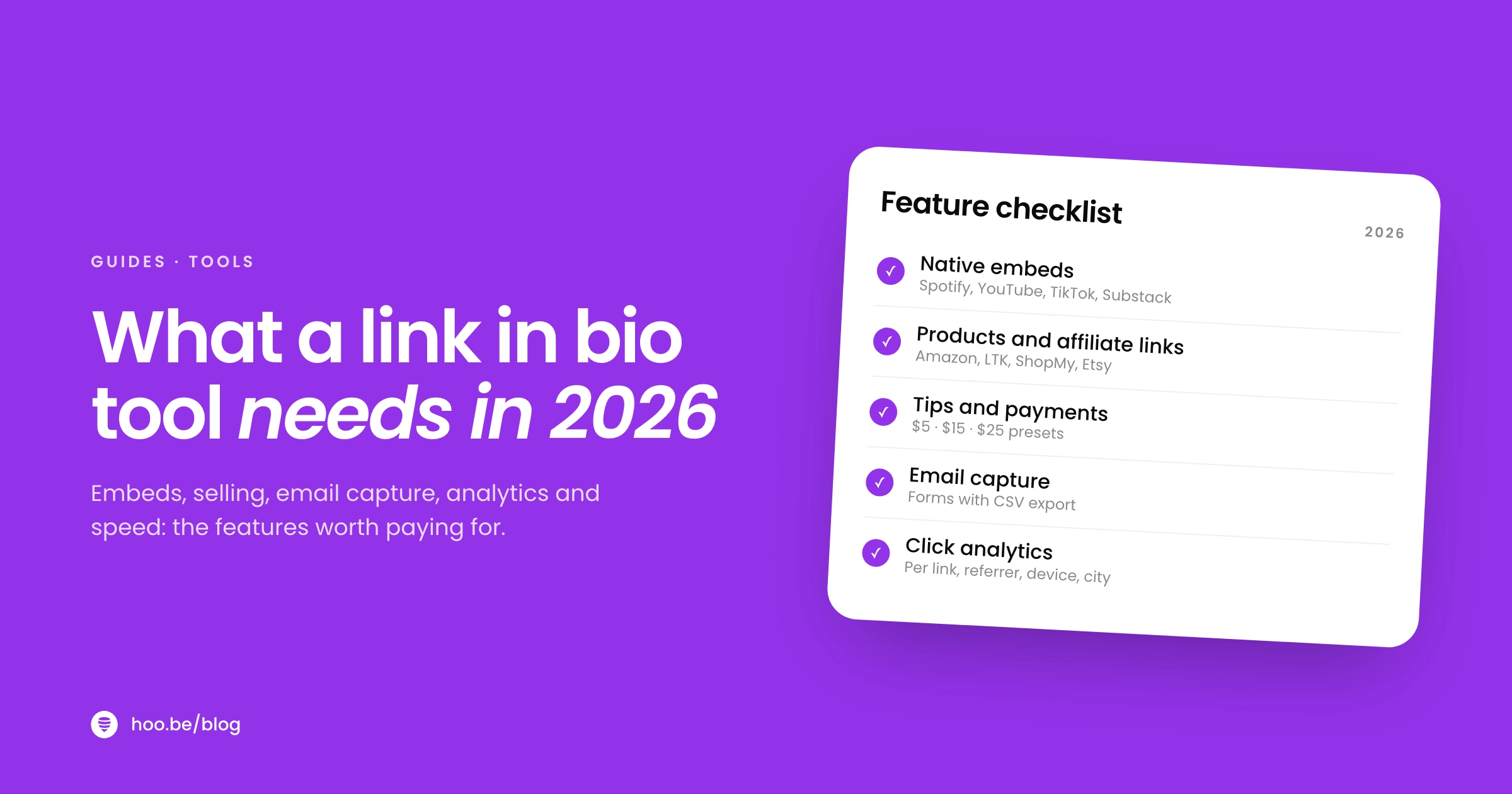
If your current tool locks per-link clicks, forms or selling behind a plan you do not want, that limit is shaping your page. Compare options in our guide to link in bio tool features before you settle for less.
How do you audit your link in bio in 15 minutes?
Run this once a month, or before any big launch. Set a timer.
- Open your page from inside each app. Tap your bio link in Instagram and TikTok on your phone, on cellular data. Note how long it takes to become usable.
- Tap every link. Remove anything broken, sold out or expired. Replace chains and shorteners with direct links.
- Check the top of the page. Is your priority link the thing that matters this week? Does it stand out?
- Read every label. Rewrite any button that does not say what happens when you tap it.
- Check contrast and length. Do the squint test, then cut anything that pushes your key sections below the first screen.
- Confirm your money and contact paths. Shop, products or tips, signup form and brand contact are all present and working, with affiliate disclosures nearby.
- Review last month's clicks. Reorder based on what people actually tapped.
For a deeper version, see our full link in bio audit.

How can hoo.be help you avoid these mistakes?
hoo.be is built to make the fixes easy. Blocks such as titles, carousels and product cards give your page structure instead of a single list of buttons. Embeds for 19 platforms let people watch or listen without leaving. Product links recognize 30 shopping platforms, and Tips and Forms cover direct support, signups and brand inquiries, with contacts exporting to CSV. Analytics start on the free plan with 7- and 30-day views, Pro adds longer ranges and referrer, device and location breakdowns, and Pro also includes page scheduling and a scheduled redirect link, so a launch can go live and end on time without you remembering to change it.
Fix your link in bio in one sitting
hoo.be gives you structured blocks, embeds, products, tips, forms and click analytics on one page. Start on the free plan and upgrade only when you need more.
Claim your hoo.beFrequently asked questions
What is the biggest link in bio mistake?
Having too many links of equal weight with no clear first choice. Visitors arrive with one goal and a few seconds of patience. A single priority link at the top, with the rest grouped into short sections, gets more taps than a long list of identical buttons.
How many links should a link in bio have?
There is no magic number, but most creators do well with five to ten items grouped into clear sections. If a link has not been tapped in a month, remove it or move it lower.
Why is my TikTok bio link not working?
TikTok only allows a profile website link if you have at least 1,000 followers or a verified business account. It also no longer supports links that open or log you into other social media apps, and it limits browsing of external link chains in its in-app browser, so link directly to your page.
How often should I check my link in bio for broken links?
Every two weeks, and the day any campaign or sale ends. Links decay quickly: Pew Research found 38% of web pages that existed in 2013 were no longer accessible a decade later, and product and promo pages expire faster than most.
Do I need to disclose affiliate links on my link in bio page?
Yes. The FTC says you must disclose financial relationships, including commissions, and that disclosures only on a profile page are likely to be missed. Put a short note close to the links themselves, as well as in the post that mentions the product.
Why does my link in bio page load slowly?
Usually because of background videos, very large images or too many embeds. Google's target is for the main content to appear within 2.5 seconds. Keep one or two embeds near the top, use lighter images, and test from inside the apps on cellular data.
Should my link in bio have an email signup?
Yes. More than half of creators in Patreon's research say it is harder to reach followers than five years ago. A short signup form turns a spike in traffic into an audience you can reach whenever you want.
Sources
- Instagram Help Center, Add a website to your Instagram profile
- Instagram Help Center, Add a bio to your Instagram profile
- TikTok Support, Adding a website link to your profile
- YouTube Help, Add links to your channel
- Pew Research Center, When Online Content Disappears (May 2024)
- StatCounter Global Stats, Desktop vs mobile vs tablet market share (Sep 2026)
- web.dev, Web Vitals
- Deloitte, Milliseconds Make Millions (2020)
- WebAIM, The WebAIM Million 2026
- Linktree, Creator Commerce Report 2024
- FTC, Disclosures 101 for Social Media Influencers
- FTC, Endorsement Guides: What People Are Asking
- IAB, 2025 Creator Economy Ad Spend & Strategy Report (Nov 2025)
- TechCrunch on Patreon's State of Create report (Feb 2025)