In this article
- What is a link in bio tool?
- Why do you need a link in bio tool?
- How does a link in bio tool work?
- What can you put on a link in bio page?
- What are examples of link in bio tools?
- Is a link in bio page the same as a website?
- Who uses link in bio tools?
- How do you set up a link in bio page?
- What does hoo.be offer?
- Frequently asked questions
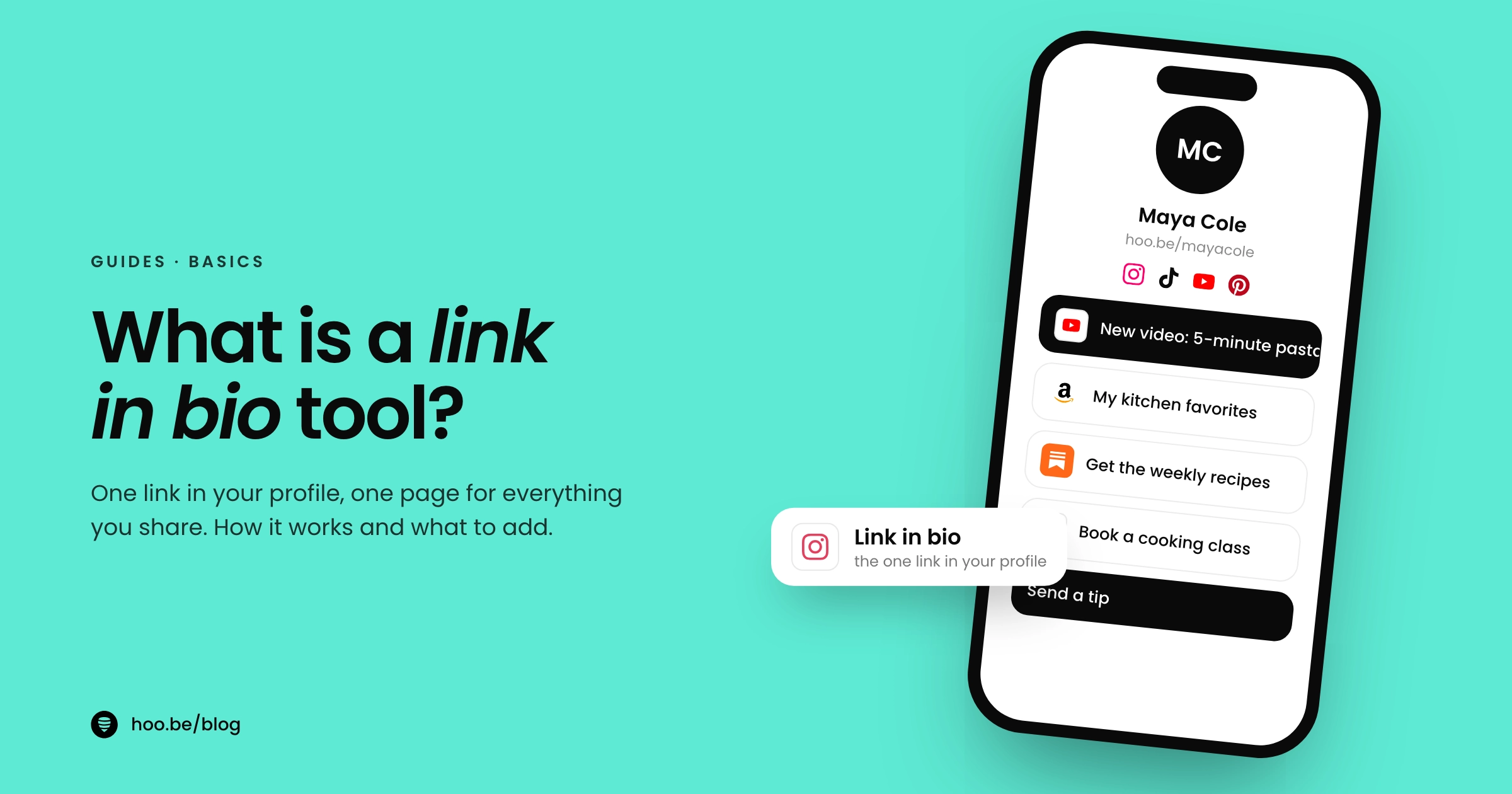
A link in bio tool is a service that gives you one short web page holding all your important links, so you can share everything you do from the single link slot in a social media profile. You put one URL in your Instagram, TikTok or YouTube bio, and followers who tap it land on a mobile page with your shop, latest video, newsletter, booking link and anything else you want them to find.
The idea exists because social apps limit links. Instagram allows up to five links in a profile, TikTok only shows a website link once you have 1,000 followers or a verified business account, and captions on most apps are not clickable. A link in bio page turns that one link into a menu.
This guide explains how link in bio tools work, what you can put on a page, the main tools available in 2026, what they cost, and how to set one up in under an hour.
Key takeaways
- A link in bio tool hosts a simple mobile page of links behind one short URL that you place in your social profiles.
- It solves a real limit: Instagram caps profile links at five, TikTok requires 1,000 followers or a business account for a website link, and most captions are not clickable.
- Modern pages do more than list links. They embed videos and music, sell products, take tips, collect emails and track clicks.
- Popular tools include Linktree, Beacons, Stan, Lnk.Bio, Later and hoo.be. Most have a free plan.
- The best page is short: put the one thing you want people to do first, and review your click data every month.
What is a link in bio tool?
A link in bio tool is a hosted landing page built for social media traffic. You sign up, pick a handle, add links and content blocks, and get a URL such as toolname.com/yourname. That URL is your "link in bio": the single link you paste into every profile.
The page itself is designed for phones. It usually shows your photo, name and a short bio at the top, a row of social icons, then a stack of buttons and content blocks. Visitors scroll, tap the thing they came for, and leave for your shop, video, podcast or form.
Behind the scenes, the tool tracks what happens: how many people viewed the page, which links they tapped, and where they came from. That data is the main reason creators use a dedicated tool instead of a plain list of links.
Where the idea came from
Linktree, the best-known tool, started in 2016. Its founders, brothers Alex and Anthony Zaccaria and their partner Nick Humphreys, ran a digital agency called Bolster and kept hitting the same problem while managing clients' social accounts: one link was not enough. Linktree is now headquartered in Melbourne, Australia, and the category has since grown into dozens of tools, from simple link lists to full creator storefronts.
Why do you need a link in bio tool?
Because every major app limits where links can go, and the limits differ by platform. Here is what each one allows in 2026, from the platforms' own help centers.
Even where you can add several links, they show up as small text in a crowded profile. A link in bio page gives each destination a proper button, an image and a reason to tap. It also means you update one page instead of editing five profiles every time you launch something.
Instagram is testing clickable links in captions, but only for some Meta Verified subscribers and reportedly capped at 10 links a month. For most creators, the bio link is still the one door from a post to the rest of the internet.

How does a link in bio tool work?
The flow is the same on every tool:
- You build a page. Add links, embeds, products or forms in the tool's editor, and pick colors and fonts.
- You publish one URL. Paste it into the website or links field of each social profile.
- A follower taps it. The page opens, usually inside the social app's in-app browser.
- They choose a destination. A shop, a video, a newsletter signup, a booking page or a tip.
- The tool records it. Views and clicks land in your analytics, so you can see which links earn their spot.
Pro tip
Keep the path short. TikTok's help center says its in-app browser limits how people can browse chains of external links, and visitors may be asked to open the page in their phone's browser instead. TikTok recommends direct links so people reach the intended site in a few steps. On your link page, point each button straight at the final destination rather than another link page.
What can you put on a link in bio page?
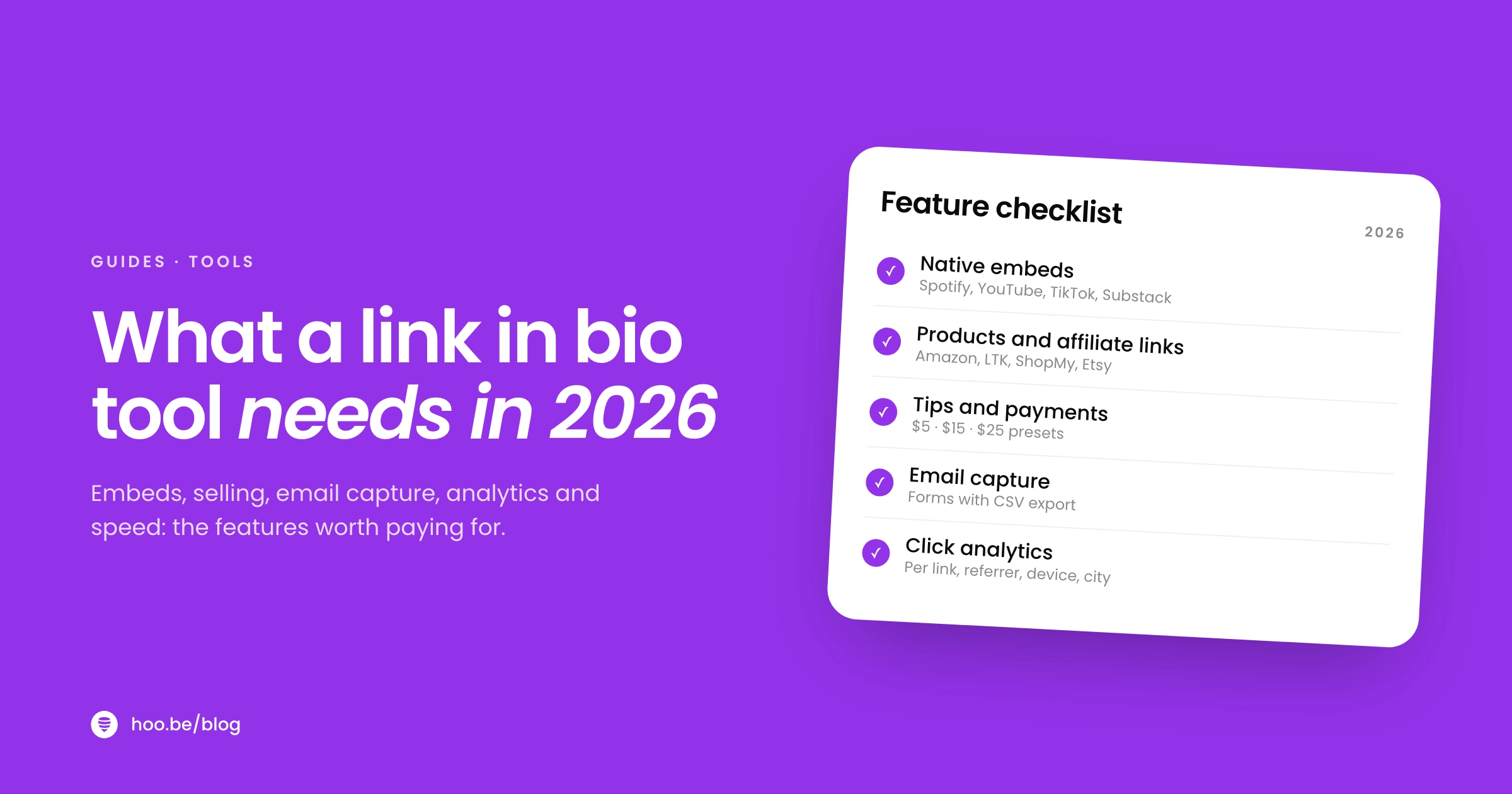
Early tools were just a stack of buttons. In 2026 most let you build a small mobile site from blocks. Here are the common ones and what they are good for.
| Block | What it does | Best for |
|---|---|---|
| Links and buttons | Send visitors to any URL | Everyone: latest post, website, shop |
| Social icons | A row of icons linking to your profiles | Cross-promoting your other platforms |
| Embeds | Play a video, track or post on the page |  YouTubers, YouTubers,  musicians, podcasters musicians, podcasters |
| Products and affiliate links | Show items with images and prices |  Amazon and Amazon and  ShopMy affiliates, merch sellers ShopMy affiliates, merch sellers |
| Tips | Let fans pay you a one-off amount | Streamers, writers, artists |
| Email and contact forms | Collect emails, phone numbers or inquiries | Newsletters, coaches, brand inquiries |
| Events | List dates with ticket links |  Touring artists, speakers Touring artists, speakers |
You do not need all of them. The strongest pages usually have one featured action at the top, three to six supporting links, and one way to stay in touch. Our guide on what to add to your link in bio goes through the order that works for most creators, and building an email list from your link in bio covers the signup block in detail.

What are examples of link in bio tools?
There are dozens of tools. These are the ones creators compare most often, with what each is known for. Prices are from each company's own pricing page in October 2026.
| Tool | Known for | Free plan | Paid from |
|---|---|---|---|
 Linktree Linktree | The original and largest; wide range of link apps and integrations | Yes | $8 a month ($6 billed yearly) |
 Beacons Beacons | Link in bio plus media kit, store, email marketing and AI tools | Yes | $10 a month ($8.33 billed yearly) |
| Stan | Storefront for digital products, courses and bookings | No | $29 a month |
| Lnk.Bio | Low-cost plans with a one-time payment option | Yes | $0.99 a month or $9.99 once |
| Later | Social media scheduler with a link in bio page included | 14-day trial | $18.75 a month billed yearly |
 hoo.be hoo.be | Block-built pages with embeds, products, tips, events and forms | Yes | See hoo.be/pricing |
The tools split into two camps. Link-first tools such as Linktree, Lnk.Bio and hoo.be focus on the page itself: design, embeds, links and analytics, with selling as one feature among many. Store-first tools such as Stan treat the page as a checkout for your own products. Beacons sits between the two. Later is mainly a scheduling tool, so its link page suits people who already plan posts there.
Scale varies a lot. On their own websites, Linktree says it has more than 70 million users, Bio Link says more than 3 million creators and brands, and Lnk.Bio says more than 2 million creators.
Users reported by each link in bio tool
Cost is the other big difference. Most tools are free to start, paid creator plans on the best-known tools cost roughly $6 to $35 a month, and some take a percentage of what you sell on lower plans: Linktree lists a 12% fee on digital product sales on its Free plan. Our link in bio pricing comparison breaks down every plan and fee, and our roundups of Linktree alternatives and the best free link in bio tools compare features side by side.
Is a link in bio page the same as a website?
Not quite. A link in bio page is a single, mobile-first page whose job is to route visitors somewhere else. A website usually has several pages, longer content and its own domain, and it is built to keep people on it.
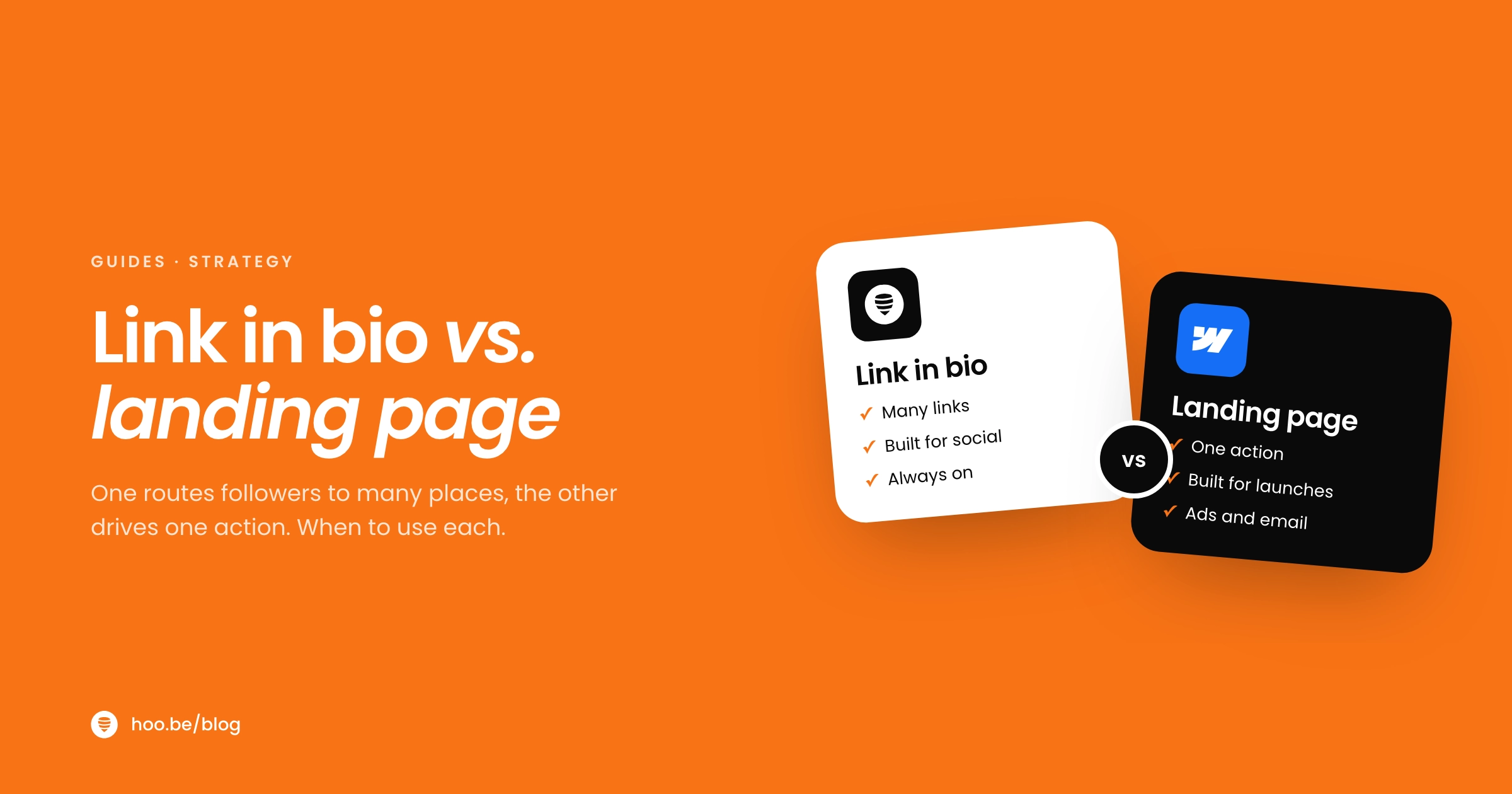
The line is blurring. Several tools now support custom domains, multiple pages and forms, so a link in bio page can work as a lightweight personal site. A landing page is a third option: one page built around one action, such as a launch or a signup. We compare them in detail in link in bio vs. landing page.
A good rule: if your audience mostly finds you through social apps, start with a link in bio page. Add a full website when you need long-form content, search traffic or a store with many products.
Who uses link in bio tools?
Anyone whose audience lives on social media and has more than one place to send people:
- Content creators and influencers sharing brand deals, affiliate picks and their latest content.
- Musicians linking new releases across streaming services, tour dates and merch.
- Coaches, consultants and freelancers taking bookings, inquiries and payments.
- Podcasters and YouTubers pointing listeners and viewers to every platform at once.
- Small businesses and shops sending followers to products, menus, reviews or locations.

How do you set up a link in bio page?
You can have a working page live in under an hour. Follow these steps.
- Pick a tool and claim your handle. Use the same name as your social accounts so the URL is easy to recognize.
- Add a photo and a one-line bio. Say who you are and what people will find on the page.
- Put your main action first. Your newest video, product, launch or booking link goes at the top.
- Add three to six supporting links. Cut anything you would not be upset to lose. Fewer choices make each one easier to pick.
- Add a way to stay in touch. An email signup or contact form turns a one-time visit into an audience you keep.
- Paste the URL into every profile. Instagram, TikTok, YouTube, X, Threads and anywhere else you post.
- Check your clicks monthly. Move what works up and remove what does not. Our link in bio audit walks through it.
Mistakes to avoid
- Too many links. A page of 25 buttons hides the one that matters.
- Stale links. An expired sale or a dead page costs you trust. Review the page whenever you post something new.
- Vague labels. "Click here" tells nobody anything. "Get the 5-minute meal plan" does.
- No tracking. Without click data you are guessing. More in common link in bio mistakes.
What does hoo.be offer?
hoo.be is a link in bio platform where your page lives at hoo.be/yourname and is built from blocks: links, swipeable carousels, titles, products with a price and shop button, tips, events with tickets, contact collection and forms with text, email, phone, select, yes/no and address fields.
It embeds content from 19 platforms, including  Instagram, YouTube,
  TikTok, Spotify, Apple Music, Twitch and Substack, and a Spotify link can become a release tile that points to every streaming service. Product links recognize 30 shopping platforms, including Amazon, LTK, ShopMy, Etsy and Shopify. You can add up to 100 social icons, plus Facebook Pixel, TikTok Pixel, Google Analytics and an Amazon affiliate tag. Contacts and form responses export to CSV.
Build your link in bio in minutes
Claim your hoo.be page, add your links, videos, products and a signup form, and see which ones your followers tap. Free to start.
Claim your hoo.beFrequently asked questions
What is a link in bio?
A link in bio is the single clickable link in a social media profile. Because most apps allow only one or a few profile links, creators use a link in bio tool to point that link at a mobile page listing everything they want to share.
How many links can you put in your Instagram bio?
Instagram lets you add up to five links to your profile from Edit profile, then Links. A link in bio page lets you share more destinations, with images and labels, from one of those slots.
Why can't I add a link to my TikTok bio?
TikTok only lets you add a website link to your profile if you have at least 1,000 followers or a verified business account. Once you qualify, go to Profile, Edit profile, then tap Add next to Links.
Is a link in bio tool free?
Most have a free plan. Linktree, Beacons, Lnk.Bio and hoo.be are free to start. Paid plans add things like branding removal, longer analytics history, custom domains and lower fees on sales, and cost roughly $6 to $35 a month on the best-known tools.
What is the difference between a link in bio page and a landing page?
A link in bio page offers several choices and routes visitors to other places. A landing page focuses on one action, such as a signup or purchase. Many creators use both: a link in bio page as the hub, with a landing page linked for a big launch.
Do I need a link in bio tool if I only use one platform?
If you only ever share one destination, you can put that link directly in your profile. Once you have two or more things to share, such as a shop and a newsletter, a link in bio page is easier to manage and gives you click data.
What is the best link in bio tool?
It depends on how you earn. Store-first tools like Stan suit creators selling courses and digital products. Link-first tools like Linktree, Lnk.Bio and hoo.be suit creators sharing content, affiliate links and brand work. Start with a free plan and upgrade only when you need a specific feature.
Sources
- Instagram Help Center, Add a website to your Instagram profile
- TikTok Support, Adding a website link to your profile
- YouTube Help, Manage your YouTube channel's profile
- Engadget, Meta is testing clickable links in Instagram captions for verified subscribers (Mar 2026)
- Linktree, About us
- Linktree, Pricing (Oct 2026)
- Beacons, Pricing (Oct 2026)
- Stan Help Center, Creator vs. Creator Pro (Jun 2026)
- Lnk.Bio, What is Lnk.Bio? (Sep 2026)
- Lnk.Bio, All features (May 2026)
- Later, Pricing plans (Oct 2026)
- Bio Link, homepage (Oct 2026)