In this article
- What is a link in bio for in 2026?
- What are the 7 must-have sections for your link in bio?
- What order should your link in bio sections go in?
- What should you add for your type of content?
- What should you leave out of your link in bio?
- How do you set up your link in bio step by step?
- How often should you update your link in bio?
- How do you build all seven sections on hoo.be?
- Frequently asked questions
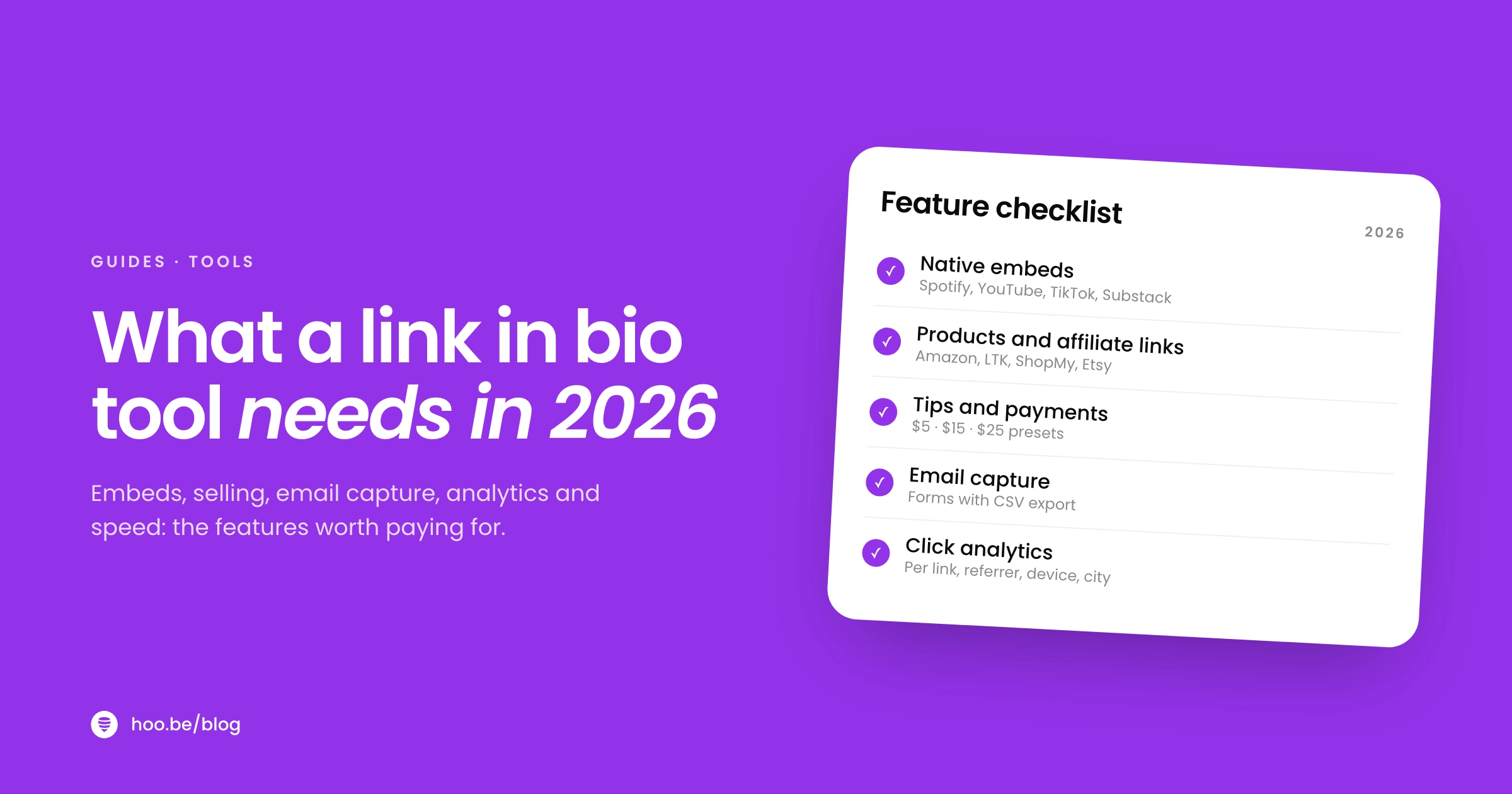
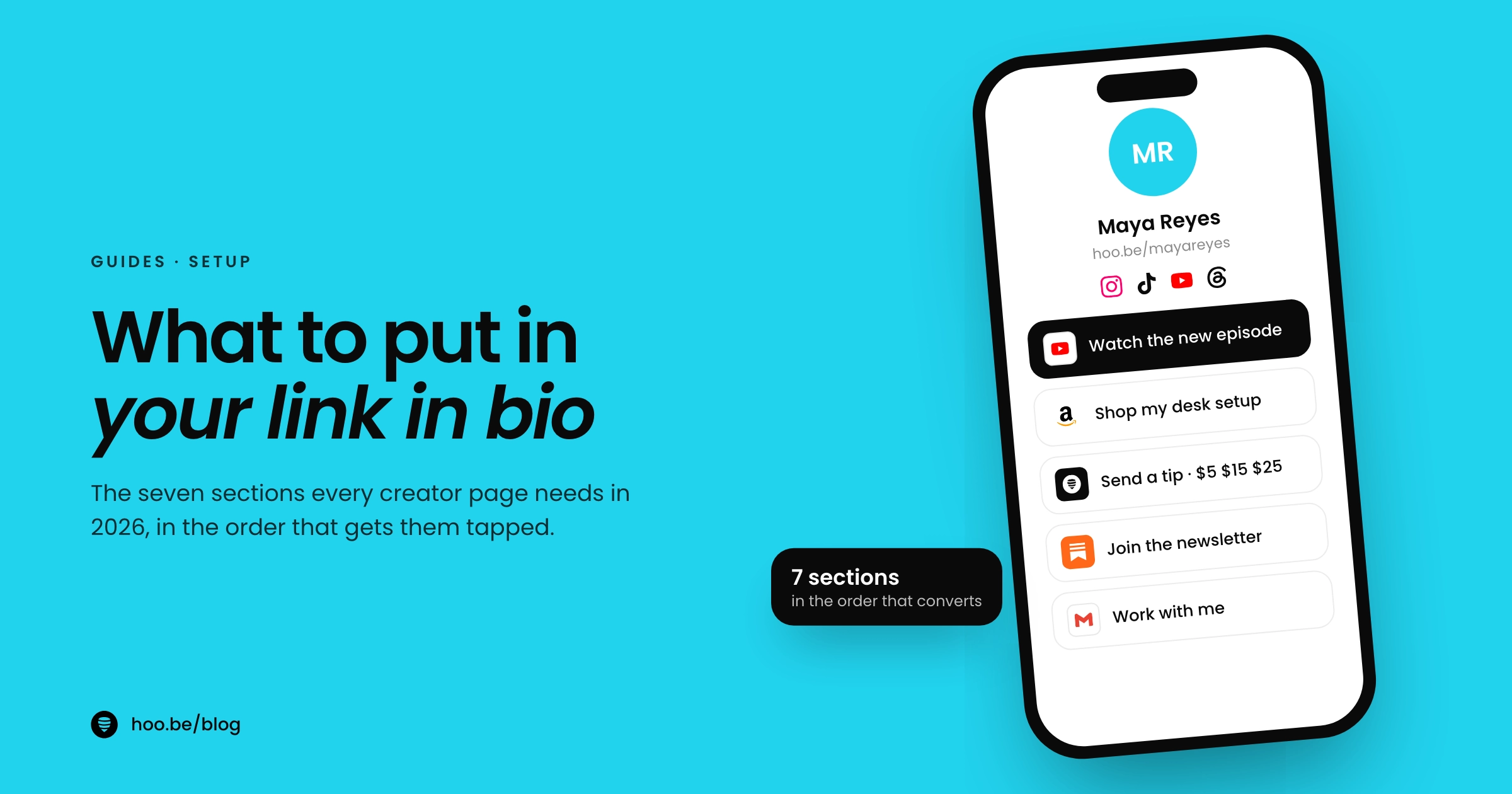
Your link in bio should hold seven things: the one link you most want tapped right now, your latest content, a shop of your recommendations, your own products or a tip button, an email signup, a clear way for brands to contact you, and icons for every platform you post on. Put them in that order of priority, keep the page short, and update the top spot whenever your focus changes.
That list matters because your bio link is the only reliable door out of most apps. Instagram gives you a 150-character bio and up to five links. TikTok gives you one website link, and only once you have 1,000 followers or a verified business account. Every visitor who taps through has a reason, whether they want to buy, watch, book or work with you. Your page should answer that reason in one tap.
Below are the seven sections, what to put in each, how to order them, what to add for your type of content, and what to leave off.
Key takeaways
- Lead with one priority link: your newest launch, campaign or video. It should change as often as your focus does.
- Add your latest content, a shop of recommendations, your own products or tips, an email signup, brand contact info and social icons.
- Order by what earns or grows you most. YouTube shows only your first channel link up front, and Instagram lets you reorder links to control what visitors see first.
- Leave out dead promo codes, duplicate links and anything you would not want a brand to see first.
- Review the page every week or two and remove links that nobody taps.
What is a link in bio for in 2026?
It is the hub every platform points to. Social apps limit outbound links, so the one link you control has to do the work of a homepage. Linktree's 2024 Creator Commerce Report says its pages average 1.3 billion clicks a month, and about one in five of those clicks goes to a retail or commerce site. People are not tapping your link to browse. They are tapping to do something.
That last number is the strongest reason to plan your page carefully. When algorithms decide who sees your posts, the people who tap your link are your most motivated audience. Give them something to do.
What are the 7 must-have sections for your link in bio?
Here is the full list with what each section does. You do not need every section on day one, but most creators earning from their page use at least five.
| Section | What it does | Good format |
|---|---|---|
| 1. Priority link | Sends people to the one thing that matters this week | A bold link or redirect at the very top |
| 2. Latest content | Keeps new visitors watching, listening or reading | A video, music or newsletter embed |
| 3. Shop your recommendations | Answers "where did you get that?" | Product cards or a carousel of affiliate picks |
| 4. Your products, services or tips | Lets fans pay you directly | Product block with price, booking link, tip button |
| 5. Email or SMS signup | Builds an audience you own | A short form with one or two fields |
| 6. Brand contact | Makes it easy to hire you | Business email, contact form or media kit link |
| 7. Social icons | Sends fans to the app they prefer | A row of icons at the top or bottom |
1. Your priority link
This is the single most important thing you want people to do right now: watch your new video, use the code from today's sponsored post, pre-save a release, or buy the product you launched this week. Put it first and make it look different from everything else. When the campaign ends, replace it. A stale top link tells visitors your page is not maintained.
2. Your latest content
Someone who liked one post enough to tap your link wants more. Show your newest YouTube video, podcast episode or newsletter issue as an embed, so they can start watching or reading on the page instead of being sent away. Musicians can use a Spotify embed or a release link that covers every streaming service.
3. A shop of your recommendations
"Where did you get that?" is one of the most common comments on any creator's posts. Answer it once, on your page. Group your affiliate links from Amazon, LTK or ShopMy into a carousel or product cards with images, so people can see what they are tapping. Our guide to ShopMy sales from your link in bio covers the setup.

One rule here: disclose. The FTC says you must disclose any financial relationship, including commissions and free products, and that the closer the disclosure is to your recommendation, the better. A short "I earn a commission on these links" label right above your shop section is a simple habit.
4. Your own products, services or tips
If you sell anything, it belongs near the top: presets, guides, merch, coaching calls, event tickets. Show the price and a buy button, not just a link to somewhere else. If you do not sell anything yet, add a tip button. It gives fans who want to support you a way to do it in a few taps, without committing to a monthly subscription.

5. An email or SMS signup
Your email list is the one audience no algorithm can throttle. Email still earns well for businesses too. In Litmus's 2025 State of Email survey, most companies reported returns of at least $10 for every $1 they spend on email.
Return on every $1 spent on email marketing
Keep the form short: an email field and, at most, one more. Tell people what they get, such as early access, a weekly roundup or a free guide. Our walkthrough on building an email list from your link in bio has examples.
6. A clear way for brands to contact you
Brands are spending more on creators every year. The IAB projects US creator ad spend will reach $44 billion in 2026, up from $37 billion in 2025, and advertisers name finding the right creators as their biggest challenge. Do not make them hunt. Add a business email, a short contact form, or a link to your media kit, and label it plainly: "Work with me" or "Brand inquiries."
7. Icons for all your socials
Not everyone wants to follow you on the app where they found you. A row of icons for Instagram, TikTok, YouTube, Threads, Pinterest and the rest lets each person pick their favorite. Icons take almost no space, so they will not crowd out the sections that earn.
What order should your link in bio sections go in?
Put what earns or grows you most at the top, and what people expect to find (socials, contact) where they expect to find it. Platforms work the same way. YouTube's Help Center says your first channel link is displayed prominently near the subscribe button, while the rest appear only when someone taps to see more. Instagram lets you reorder your profile links to change how they appear to visitors.
A layout that works for most creators:
- Profile photo, name and a one-line description of what you do
- Social icons
- Your priority link
- Your own products, services or tip button
- Shop of recommendations
- Latest content embed
- Email signup
- Brand contact
Move sections up or down based on your analytics. If your shop carousel gets more taps than your newest video, it has earned a higher spot.
Pro tip
Write your priority link as an action, not a label. "Watch the new episode" or "Shop the summer edit" gets more taps than "YouTube" or "Shop." The button should tell people exactly what happens next.
What should you add for your type of content?
The seven sections apply to everyone. The details change with your niche.
| Creator type | Add these |
|---|---|
 Musicians Musicians | New release across streaming services, tour dates with tickets, merch, pre-save link |
 Beauty and fashion Beauty and fashion | Product carousels by category, discount codes from current partners, routine videos |
 YouTubers YouTubers | Latest video embed, sponsor links, gear list, membership or community link |
 Podcasters Podcasters | Latest episode, links to every listening app, guest application form, sponsor codes |
 Coaches Coaches | Booking link, free lead magnet, testimonials, paid program |
We have full page layouts for musicians and beauty creators if you want a template to copy.
What should you leave out of your link in bio?
A shorter page usually performs better, because every extra link competes with the ones that matter. Cut these first:
- Expired offers. Old discount codes and finished giveaways frustrate visitors and can annoy brand partners.
- Duplicate links. If your YouTube channel is in the icons row, it does not also need a full-width button.
- Links that chain to other link pages. TikTok limits how people can browse external link chains in its in-app browser and recommends direct links instead.
- Vague labels. "Click here" and "My stuff" tell people nothing.
- Anything you would not show a brand. Assume a marketing manager will see your page before your next pitch.
For the full list of what goes wrong, read common link in bio mistakes.
How do you set up your link in bio step by step?
You can build a solid page in under an hour. Here is the order to do it in.
- Write your one-line intro. Say who you are and what people get from you, in plain words.
- Add your social icons. Include every platform you post on regularly.
- Pick your priority link. Choose the one action that matters most this week and put it at the top.
- Add what you sell. Products, services or a tip button, with prices visible.
- Build your shop. Group affiliate picks into a carousel and add a short disclosure.
- Embed your latest content. Your newest video, episode, track or post.
- Add a signup form and brand contact. Keep the form to one or two fields and label the contact section clearly.
- Test it on your phone. Tap your link from inside Instagram and TikTok and check every button works.

How often should you update your link in bio?
Change the priority link whenever your focus changes, which for active creators is often weekly. Review the rest of the page every two weeks or once a month: check that every link still works, retire offers that have ended, and use your click data to reorder sections. Our link in bio audit walks through it in about 15 minutes.
Scheduling makes this easier. If your tool lets you schedule a page or a redirect, you can set a launch or sale to go live at the right moment and switch back afterwards without remembering to do it yourself.
How do you build all seven sections on hoo.be?
Each section maps to a hoo.be block. Use a Link or a scheduled redirect for your priority link, embeds for your latest content (19 platforms, including YouTube, TikTok, Spotify, Apple Music and Substack), Product blocks and Carousels for your shop, Tips for direct support, Forms or Contact collection for signups and brand inquiries, and up to 100 social icons. Product links recognize 30 shopping platforms, including Amazon, LTK, ShopMy and Sephora, and analytics show which sections get tapped so you can reorder with confidence.
Build your seven-section page
hoo.be gives you links, embeds, products, tips, forms and social icons on one page, with analytics that show what people tap.
Claim your hoo.beFrequently asked questions
What should I put in my link in bio?
Seven things: one priority link for what matters this week, your latest content, a shop of your recommendations, your own products or a tip button, an email signup, a clear brand contact, and icons for every social platform you use. Put the sections that earn or grow you most at the top.
How many links should be in a link in bio?
As few as you need. Most creators do well with five to ten items grouped into clear sections. Every extra link competes for attention with the ones that matter, so remove anything that does not get tapped.
What should be the first link in my bio?
The one action you most want people to take right now, such as a new video, a product launch, a sponsor's offer or a pre-save. YouTube displays your first channel link more prominently than the rest, and on any link in bio page the top spot gets seen first.
Should I put affiliate links in my link in bio?
Yes, as long as you disclose them. The FTC says you must disclose financial relationships, including commissions, and that the closer the disclosure is to the recommendation, the better. A short label above your shop section works well.
How do brands want to contact creators?
Most look for a business email, a contact form or a media kit link on your page. Label it plainly, such as "Work with me," and keep it easy to find. Advertisers say finding the right creators is their biggest challenge, so make it simple.
How often should I update my link in bio?
Update the top link whenever your focus changes, often weekly. Review the whole page every two weeks or monthly to remove dead links, retire expired offers and reorder sections based on clicks.
Sources
- Instagram Help Center, Add a website to your Instagram profile
- Instagram Help Center, Add a bio to your Instagram profile
- TechCrunch, Instagram adds support for up to 5 links in bio (Apr 2023)
- TikTok Support, Adding a website link to your profile
- YouTube Help, Add links to your channel
- Linktree, Creator Commerce Report 2024
- TechCrunch on Patreon's State of Create report (Feb 2025)
- Litmus, The ROI of Email Marketing
- IAB, 2025 Creator Economy Ad Spend & Strategy Report (Nov 2025)
- FTC, Disclosures 101 for Social Media Influencers
- FTC, Endorsement Guides: What People Are Asking