In this article
- How does ShopMy work for creators in 2026?
- How does ShopMy track a sale from your link?
- Should you link your ShopMy shop, a collection or a Quick Link?
- How do you add ShopMy to your hoo.be link in bio?
- How should you structure your page around ShopMy?
- What content drives the most ShopMy sales?
- How do ShopMy creator tiers work?
- Can you use ShopMy with Amazon links?
- How do you measure which ShopMy links are working?
- Frequently asked questions
To get more ShopMy sales from your link in bio, send followers to the right ShopMy link for what they just watched, make it shoppable without extra taps, and give them a reason to buy inside the brand's cookie window. Most creators get the first part wrong: they link a full storefront when the follower wanted one product.
ShopMy is worth the effort. Its brands typically pay 10% to 30% commission, it supports full-cart commission, and it pays out every Friday. But commissions only land when a follower completes a purchase, and that starts with what they see after tapping your bio.
This guide covers how ShopMy tracks and pays in 2026, which link to use where, how to add ShopMy collections to your hoo.be page, what content drives sales, and how ShopMy's creator tiers reward you for doing it well.
Key takeaways
- ShopMy commissions typically run 10% to 30%. The rate shown on the platform is what you earn, after ShopMy's 82/18 revenue share.
- Cookie windows are set by each brand: from one session up to 30 days, with 7 days the most common.
- Match the link to the moment: a Quick Link for one product, a collection for a theme, your shop for everything.
- On hoo.be, a ShopMy collection link becomes an embedded collection, so followers can browse picks right on your page.
- Your ShopMy tier is scored out of 100, and half the points come from monthly order volume.
How does ShopMy work for creators in 2026?
ShopMy is an affiliate and brand partnership platform. You build a digital shop of products you recommend, share affiliate links, and earn commission when followers buy. It also connects you with brands for gifting, custom codes and paid collaborations through its Opportunities feature.
Joining takes an application. ShopMy says reviews typically take 3 to 5 business days, and accounts usually need at least 1,000 followers, though every application is reviewed case by case. It looks for creators who already share products and have an engaged audience. If you are turned down, you can apply again after 90 days.
How ShopMy pays you
ShopMy turns products you add into affiliate links automatically and consolidates earnings from every retailer into one payment via Stripe or PayPal. It keeps 18% of commissions under an 82/18 revenue share, but the rate you see on the platform already reflects that split, so what you see is what you earn. Some brands pay ShopMy a fee directly instead, in which case nothing is deducted.
Two details matter for planning. First, ShopMy supports full-cart commission: if a follower taps your link to a $50 pair of shoes but buys a $100 dress instead, you can still earn on the eligible items in their order. Second, commissions sit as pending for 30 to 120 days while the retailer's return window closes and it pays ShopMy. Money from a holiday push will not arrive the next week.

How does ShopMy track a sale from your link?
When someone taps your ShopMy link, the brand's affiliate program starts a cookie window: the time during which their purchase can still be credited to you. Each brand sets its own window. ShopMy says it can be as short as a single browsing session or as long as 30 days, and 7 days is the most common.
A purchase inside the window still does not always track. ShopMy lists the usual reasons:
- Another link is clicked. Most programs credit the last click, so a different creator's link or an ad can replace yours.
- Cookies are declined. If the shopper rejects cookies on the retailer's site, tracking may not be stored.
- They switch browsers or devices. A tap inside Instagram followed by a purchase on a laptop later may not carry over.
- The window expires. A purchase after the brand's window ends no longer counts.
ShopMy's shopper wishlists help with the slow buyers. Followers who create a ShopMy shopper account can save products from your links and come back later, and ShopMy says you still earn when they buy.
Pro tip
Before a big post, check the cookie window on the brand's page in ShopMy. For a short window, give followers a reason to buy today, like a limited code or a restock. For a long one, a "save this for later" prompt works.
Should you link your ShopMy shop, a collection or a Quick Link?
ShopMy gives you several kinds of link. Each fits a different moment, and picking the right one is the fastest way to lift sales.
| Link type | What it opens | Use it for |
|---|---|---|
 Quick Link Quick Link | One product, straight on the retailer's site (go.shopmy.us/p-…) | A single item in a Story, a video or a DM reply |
| Collection | A themed set of your picks | "My skincare routine", "everything from this video", gift guides |
| Shop | Your full, searchable storefront | An always-on "shop everything" link |
| Shoppable post | A post in your shop with its products tagged | Outfits and photos where people ask "what is that?" |
Some brand Opportunities only track Quick Links, so check the brief before you share a collection instead.
ShopMy's storefronts are now searchable, and they sort your most popular links automatically. Your shop can therefore work as a catch-all. The money is still in specific links: a follower who just watched your night routine wants that routine, not 400 products.
How do you add ShopMy to your hoo.be link in bio?
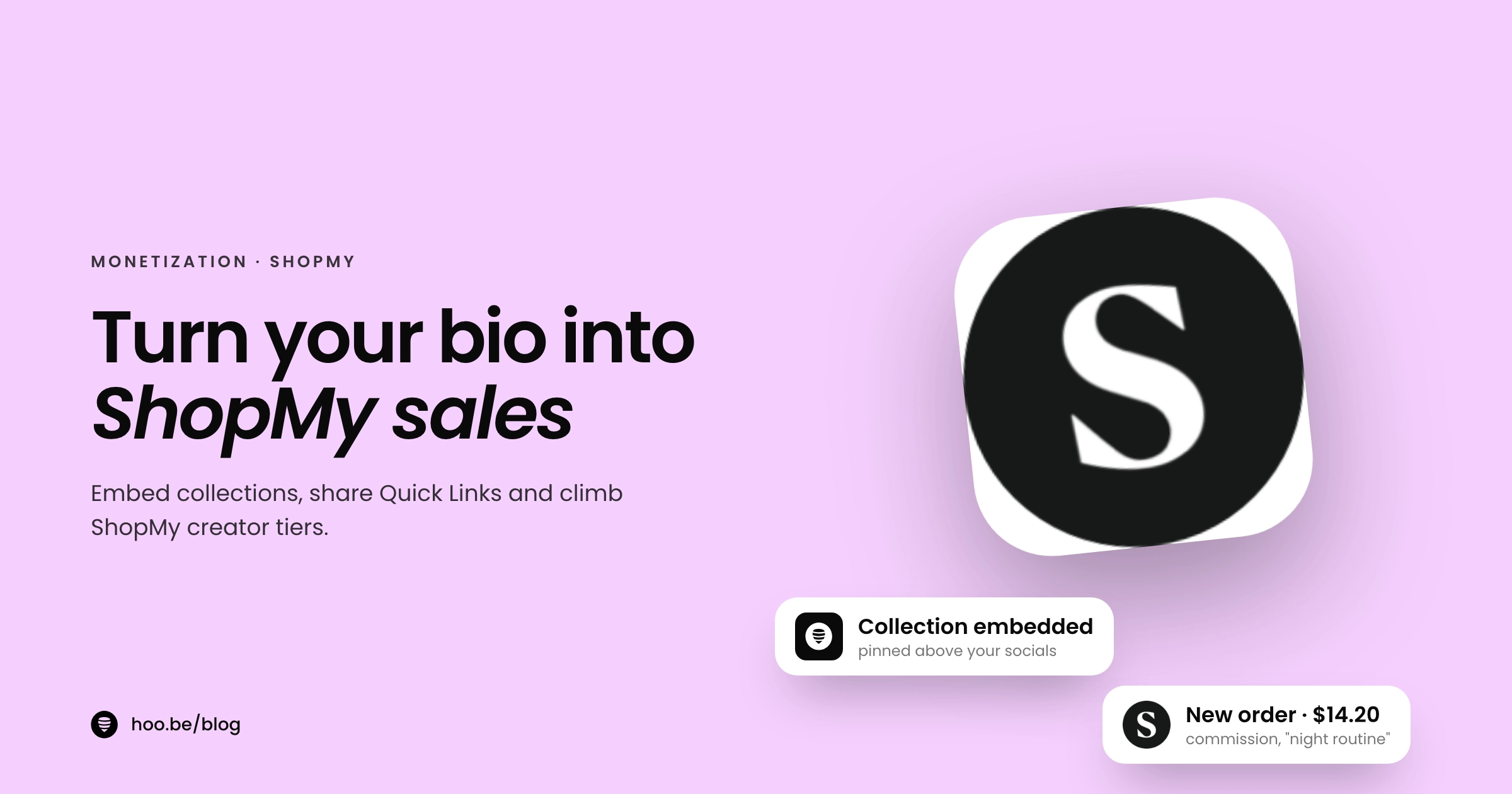
ShopMy lists hoo.be as a link in bio partner: you can add your shop link and embed collections right into your page. hoo.be recognises ShopMy collection links and shows them as an embedded, scrollable collection, so followers browse your picks without leaving your page first.
- Copy the link from ShopMy. Use a collection link (shopmy.us/collections/…) for something you want embedded, or your shop link for a standard button.
- Add it to your page. Log in to hoo.be, open the page you want to edit, add a new block and paste the ShopMy link.
- Check the layout. A collection link shows as an embed. Give it a clear title, such as "My night routine" or "Shop this video".
- Move it to the top. If product picks are your main income, place the ShopMy block above your social links and older content.
- Add single products where they fit. hoo.be recognises ShopMy among 30 shopping platforms for product links, so a Quick Link can sit in a Carousel or Link block next to your other picks.
- Publish and test. Open your page from inside Instagram on your own phone and tap through to make sure each link lands where you expect.

How should you structure your page around ShopMy?
A link in bio page has one job when someone arrives from a product video: show them that product fast. A simple order that works for most product-led creators:
- First: what you just posted. A "Shop this video" or "Recently mentioned" collection, updated every time you post.
- Second: your evergreen favourites. A collection of products you have used for months, which keeps earning between launches.
- Third: seasonal or sale picks. Gift guides, retailer sale edits or "under $50" lists, swapped in and out.
- Then everything else. Your full shop, socials, newsletter signup and other links.
Keep the number of competing buttons above your ShopMy block low. If you also sell your own products or take tips, our guide to what to add to your link in bio covers the order, and the best link in bio setup for beauty creators shows a full example.
What content drives the most ShopMy sales?
Commission follows content where the product is the point. ShopMy's own creator guide suggests a few formats that work well across its platform:
- A recurring series. Monthly favourites, weekly product reviews or "empties" videos where you talk through products you finished.
- Routines. Morning, night or body care routines, with every product in one collection.
- Ingredient and category deep dives. One ingredient or one category, like sunscreens, with the products you recommend in it.
- Evergreen lists. "Recently mentioned on social", "what's in my cart", "everyday basics" or "everything I wore on my trip".
- Retailer sale picks. When a retailer runs a sale, a collection of the items you would actually buy from it.
Say the product name out loud or on screen, then tell people exactly where to find it: "it's in my night routine collection, link in bio." Vague "link in bio" calls lose people who cannot find the item once they arrive. For more ideas, see how to create content when you have no ideas.
How do ShopMy creator tiers work?
ShopMy ranks creators in four tiers: Enthusiast, Ambassador, Trendsetter and Icon. Your tier is a score out of 100, and higher tiers get more visibility with brands, the ability to message brands directly, gifting and discount code requests, and priority for paid Opportunities.
How ShopMy scores your creator tier (points out of 100)
| Tier | Score | What it unlocks |
|---|---|---|
| Enthusiast | 0+ | Digital storefront and the full commissionable catalog |
| Ambassador | 30+ | $10 cash bonus, more visibility in brand searches |
| Trendsetter | 70+ | $50 bonus, chat with brands, request gifting and codes, priority for Opportunities |
| Icon | 85+ | $100 bonus, priority recommendation to brands |
Cash bonuses are paid once you have driven your first order. Traffic and order volume are averaged over the past three months.
Because order volume carries half the score and traffic another quarter, the page your followers land on matters twice: once for commission and once for your tier. Profile completion is the easy 10 points: add a photo and bio, create a Quick Link, connect your socials and add a collection. ShopMy also pays referral bonuses of up to $1,000 per creator you refer: $20 when they reach Ambassador, $80 at Trendsetter and $900 at Icon.
Can you use ShopMy with Amazon links?
Yes. If you are in Amazon Associates, add your Amazon affiliate code in your ShopMy account settings and list your ShopMy shop as an approved site in Amazon Associates. Then you can paste standard Amazon product URLs into ShopMy and it converts them using your code. Amazon commissions are tracked and paid by Amazon, not ShopMy, so they will not show in your ShopMy earnings. Amazon's own rates and rules are in our Prime Day link in bio guide.
How do you measure which ShopMy links are working?
Check two places each month. In ShopMy, the Links tab shows clicks, orders and commission for every link and collection, with date filters and a CSV download. "Performance by website" shows results by retailer, and a green check marks ShopMy brand partners, which can offer gifting, custom codes and paid Opportunities. "All Orders" shows each order, its value and whether a code was used.
On hoo.be, link analytics show how many people tapped each block. If a collection gets plenty of taps but few orders, the problem is on the product side: the price, the cookie window or a product that does not match the video. If it gets few taps, move it up or rename it. Pro adds referrer, device and country breakdowns, so you can see which platform sends shoppers. Run our link in bio audit once a month.
Disclose every link
ShopMy links are affiliate links, so the FTC expects a clear disclosure where followers see the recommendation, such as "ad" or "I earn commission from these links". Do not rely on a platform's built-in label alone.
Make your ShopMy picks shoppable from your bio
hoo.be embeds your ShopMy collections, recognises ShopMy product links, and shows which blocks get tapped, all on one link in bio. Start free; plans at hoo.be/pricing.
Add ShopMy to your hoo.beFrequently asked questions
How much commission do ShopMy creators earn?
ShopMy says commissions typically range from 10% to 30%, set by each brand or retailer. The rate shown on the platform already reflects ShopMy's 82/18 revenue share, so the displayed rate is what you earn.
How many followers do you need to join ShopMy?
ShopMy says accounts typically need at least 1,000 followers to activate a shop, though it reviews every application case by case. It looks for creators who already share products and have an engaged audience. Reviews usually take 3 to 5 business days.
When does ShopMy pay creators?
Payouts go out every Friday through Stripe or PayPal once you have at least $11 in Next Payment. Commissions stay pending for about 30 to 120 days first while the retailer confirms the order and pays ShopMy.
How long is the ShopMy cookie window?
It depends on the brand. Windows range from a single browsing session up to 30 days, and 7 days is the most common across ShopMy's partners. Most programs credit the last click, so another link can replace yours.
Can I embed a ShopMy collection in my link in bio?
Yes. On hoo.be, paste a ShopMy collection link and it shows as an embedded collection on your page. ShopMy lists hoo.be as a link in bio partner for adding your shop link and embedding collections.
Should I share a ShopMy Quick Link or a collection?
Use a Quick Link when you are featuring one product in a Story, video or DM. Use a collection for a theme, like a routine or a gift guide. Keep your full shop as the catch-all link for everything else.
Do I earn if someone buys a different product than the one I linked?
Often, yes. ShopMy supports full-cart commission, so if a shopper taps your link and buys other eligible items from that retailer, you can earn on those too, as long as the order stays attributed to your link.
Sources
- ShopMy for creators
- ShopMy Creator Guide, How do I join
- ShopMy Creator Guide, How payment works (Jul 2026)
- ShopMy Creator Guide, How does ShopMy make money from transactions (Mar 2026)
- ShopMy Creator Guide, Full-cart commission (Mar 2026)
- ShopMy Creator Guide, What is a cookie window (Mar 2026)
- ShopMy Creator Guide, What is a Quick Link
- ShopMy Creator Guide, Komi and hoo.be integrations
- ShopMy Creator Guide, Incorporating links into your content
- ShopMy Creator Guide, What is the creator tiering system
- ShopMy Creator Guide, What metrics impact my creator score
- ShopMy Creator Guide, Creator referral program (Aug 2026)
- ShopMy Creator Guide, Can I add Amazon products to my shop
- ShopMy Creator Guide, How to analyze your performance
- ShopMy, Introducing 3 new ways to earn (storefronts, wishlists, Circles)
- FTC, Disclosures 101 for Social Media Influencers