In this article
- What should musicians put in their link in bio?
- Why does a musician's link in bio matter more in 2026?
- How do you set up streaming links so every fan lands in their own app?
- How should your link in bio change around a release?
- Where should tour dates and tickets go?
- How do musicians sell merch and music from their link in bio?
- How do you build a fan list you actually own?
- How do you know what is working?
- Build your musician link in bio on hoo.be
- Frequently asked questions
The best link in bio setup for musicians puts your newest release at the top with one tap to every streaming service, then tour dates with ticket links, merch, and a way for fans to join a list you own. Everything else, from your back catalog to your socials, goes underneath.
That order matters more every year. Luminate counted an average of 106,000 new tracks delivered to streaming services every day in 2025, and 88% of tracks got 1,000 streams or fewer. Most people who discover you will do it through a short video or a tagged post, tap your profile once, and decide in seconds whether to listen. Your link in bio is where that decision happens.
This guide covers what to put on the page, how to set up streaming links so fans land in their own app, how to change the page around a release, and how to sell tickets and merch without sending fans to five different sites.
Key takeaways
- Lead with one release, not your whole discography. A single "listen now" that opens every service beats a list of ten songs.
- Change the page with each release cycle: pre-save before, listen on release day, tour and merch after.
- Spotify says artists who publish a Countdown Page at least 7 days before release see nearly 2x more pre-saves, and over 60% of pre-savers stream the album in week one.
- Put tour dates and ticket links on the page itself, synced from your listings so they never go stale.
- Streaming platforms do not give you your fans' contact details. An email or SMS list does.
What should musicians put in their link in bio?
Here is the order that works for most independent artists, from the top of the page down:
- Your current release. One tile for the new single, EP or album, with a pre-save before release day and a "listen now" after it.
- Upcoming shows. Dates, cities and a ticket button for each one.
- Merch and music sales. Your bestselling shirt, vinyl, or a Bandcamp link for downloads.
- Fan signup. An email or SMS list for release and ticket alerts.
- Latest video. The music video, a live session or the clip that is currently bringing people in.
- Support. A tip button for fans who want to back you directly.
- Booking and press contact. A form for promoters, venues, playlist curators and brands.
- Social icons. At the bottom.
Notice what is not near the top: a list of every song you have released. Fans who want your catalog will find it on their streaming app. Your page's job is to get a new listener to press play once, then give them a reason to come back. For more ideas, see what to add to your link in bio.
Why does a musician's link in bio matter more in 2026?
Because the competition for a listener's first play has never been higher, and the money for artists who build real fanbases has never been bigger. Both trends point to the same place: the moment a curious viewer becomes a listener.
Spotify paid more than $11 billion to the music industry in 2025, and roughly half of those royalties were generated by independent artists and labels. More than 1,500 artists generated over $1 million on Spotify alone. The middle of the market is growing, but only for artists who turn casual listeners into people who come back.
The apps themselves give you little room. Instagram allows up to five bio links but shows only the first one on your profile. TikTok only makes your bio link clickable at 1,000 followers or with a business account. One link in bio page is how you fit a release, a tour, a store and a mailing list behind a single tap.

How do you set up streaming links so every fan lands in their own app?
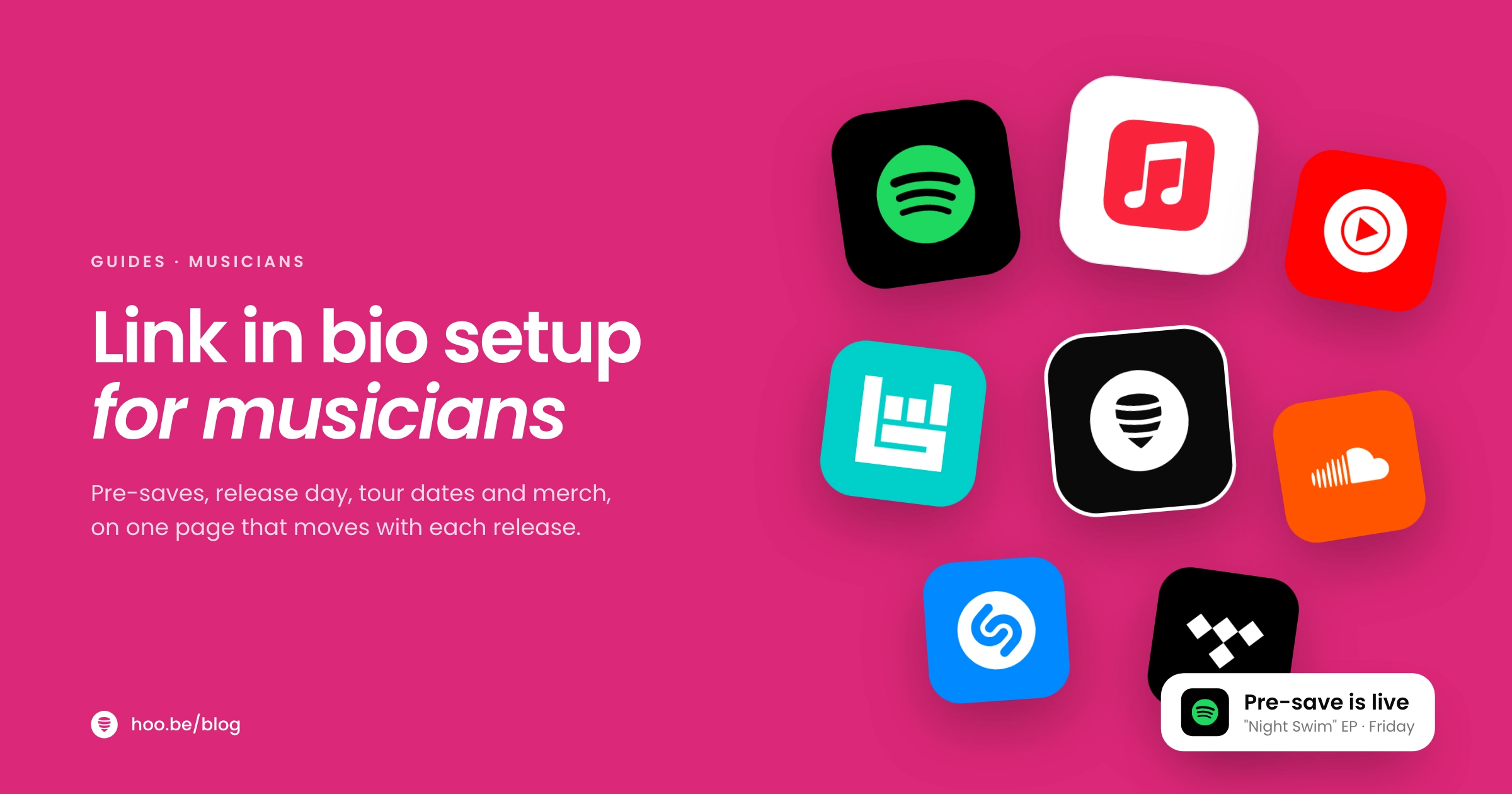
Your fans are split across services. Asking an Apple Music listener to open Spotify is a lost play. The fix is one release link that shows every service, so each fan picks the app they already use. Here is what to link for each platform.
| Platform | What to link | Why it matters |
|---|---|---|
 Spotify Spotify | Countdown Page before release, then the album or track | Pre-saves add the release to fans' libraries automatically on release day |
 Apple Music Apple Music | Your album or track | Reaches the listeners who never open Spotify |
 YouTube YouTube | The official video or a live session | Gives new fans something to watch, not just hear |
 SoundCloud SoundCloud | Demos, remixes, DJ sets | Good for early fans and the producer and DJ scene |
 Bandcamp Bandcamp | Downloads, vinyl and merch | Fans pay you directly, with a 10% to 15% revenue share on sales |
 Bandsintown Bandsintown | Your tour dates | Publishes your shows across platforms and links to tickets |
Sources: Spotify for Artists, Bandcamp Help and Bandsintown for Artists, as of October 2026.
If you already use a smart-link tool for each release, you can keep using it. Many artists find it simpler to build the release tile directly on their link in bio page, so there is one link to update instead of two. Our comparison of Linkfire alternatives with a Spotify embed covers the options, and our guide to Apple Music for Artists explains what you can track on Apple's side.
Pro tip
Embed a player, not just a button. A visitor who can hear the song without leaving your page has one less step between curiosity and a save. Pair the player with the every-service button for fans who want to open their own app.
How should your link in bio change around a release?
Your page should move through the release cycle with you. Treat each release as a short campaign with three phases.
Before release: collect pre-saves
Spotify's Countdown Pages are its built-in pre-release home for albums. Fans can pre-save, preview the tracklist, watch clips and see merch. Spotify's own data is clear on timing: artists who publish a Countdown Page at least 7 days before release see nearly twice as many pre-saves as those who publish later. Over 60% of listeners who pre-save an album stream it in the first week, and nearly 1 in 7 become super listeners by the end of release week.
Release day: one button, every service
Swap the pre-save for a "listen now" tile at midnight. If your link in bio tool can schedule changes, set it up the day before so you are not editing your page at 12:01 a.m.
After release: tour, merch and the next thing
Two to four weeks after release, move the new music down one slot and bring up tour dates, a merch drop or a live video. Keep the release on the page, just not at the very top forever.
- Three weeks out: set up your Countdown Page or pre-save link and put it at the top of your link in bio.
- Two weeks out: post a teaser clip that points to your bio for the pre-save, and email your list.
- One day out: schedule the switch from "pre-save" to "listen now" for midnight.
- Release day: post across every platform, pin the post, and check that every streaming link opens the right release.
- Release week: add the music video, a lyric video or a live version as a second tile.
- Two to four weeks later: rotate in tour dates or merch at the top, keep the release just below.
Where should tour dates and tickets go?
On the page itself, near the top whenever you have shows on sale. A fan who finds you from a clip should see the city and date without opening another site. Each date should have its own ticket button so nobody has to search a venue's website.
The easiest way to keep dates accurate is to manage them in one place. Bandsintown for Artists is free to join, says it serves more than 700,000 artists and teams, and publishes your shows across platforms with over 80 ticketing integrations. Spotify also lists concerts and says it has helped sell more than $1 billion in tickets to date. Embed or sync your dates from your listing so your link in bio updates when your tour does.

How do musicians sell merch and music from their link in bio?
Streaming builds your audience. Direct sales pay the bills. The link in bio is where the two meet, because a fan who has just played your song three times is exactly who buys the shirt.
- Feature one or two products, not your whole store. The new tour tee and the vinyl. Link "shop all" underneath.
- Use Bandcamp for music and merch if it suits you. Bandcamp takes 15% on digital sales, dropping to 10% once you pass $5,000 in sales, and 10% on physical merch. Payment processing is separate, typically 4% to 6%.
- Add a tip button. Some fans want to support you without buying anything. A simple tip option gives them a way.
- Tie merch to moments. A limited run for the release week or a tour-only design gives fans a reason to buy now.
For more income ideas beyond streaming and merch, read ways creators make money beyond brand deals.
How do you build a fan list you actually own?
Streaming services and social apps decide who sees your posts, and none of them hand you your listeners' contact details. A mailing list is the one channel where you choose who hears about the next release or the tour presale.
Keep the signup on your link in bio short: an email field (and phone number if you send texts), plus a promise like "First to hear new music and get presale codes." Some artists use drop tools such as Laylo, which lets fans sign up in one tap and get notified by SMS, email or Instagram when a release or ticket sale goes live. Premium features there start at $25 a month plus messaging costs. Whatever you use, the principle is the same: collect contacts at the moment fans are most excited.
Our guide to building an email list from your link in bio covers what to offer and how often to send.
How do you know what is working?
Check your link in bio analytics alongside Spotify for Artists or Apple Music for Artists once a week during a release.
- Which service gets the most clicks? Put that one first in your release tile.
- Which platform sends the most visitors? If TikTok drives your traffic, post more clips there in release week.
- Which blocks get ignored? If nobody taps your old EP, move it down or remove it.
- Are you running ads? Add your Meta or TikTok pixel so you can retarget people who visited but did not click through.
Once a month, run a quick link in bio audit to catch broken links and past tour dates.
Build your musician link in bio on hoo.be
hoo.be has the blocks musicians use most. Paste a Spotify track, album or artist link and it can become a release tile that sends fans to every service. You can embed Spotify, Apple Music, SoundCloud, iHeart and YouTube players, plus Bandsintown, Ticketmaster and Laylo. The Events block lists upcoming dates with ticket links, the Product block sells merch with a price and shop button, and Tips let fans send $1 to $500 through Stripe.
On Pro, page scheduling and a scheduled redirect link let you set up your release-day switch in advance. Forms collect fan signups and booking enquiries, and you can export them to CSV.
One link for the release, the tour and the merch
Build your artist page on hoo.be with a release tile for every service, tour dates, merch and a fan signup. Start on the Free plan and see hoo.be/pricing for Pro and Premium.
Claim your hoo.bePodcasting or making long-form video too? See our setups for podcasters and YouTubers.
Frequently asked questions
What is the best link in bio setup for musicians?
Put your newest release at the top with one tap to every streaming service, then upcoming shows with ticket links, one or two merch items, a fan signup, your latest video, a tip button and a booking contact. Social icons go last.
How do I make one link that opens Spotify, Apple Music and other services?
Use a release tile or smart link that lists every streaming service, so each fan taps the app they already use. Some link in bio tools build this from a single Spotify link, which saves you creating a separate smart link for each release.
When should I set up a pre-save for a new release?
At least a week before release. Spotify says artists who publish a Countdown Page at least 7 days ahead see nearly twice as many pre-saves as those who publish later, and over 60% of pre-savers stream the album in its first week.
Should I put tour dates in my link in bio?
Yes, whenever you have shows on sale. List each date with its own ticket button near the top of the page, and pull the dates from a listing service such as Bandsintown so the page stays current as your tour changes.
How much does Bandcamp take from sales?
Bandcamp takes 15% on digital sales until you reach $5,000 in sales, then 10%. On physical merch it takes 10%. Payment processing fees are separate and typically run 4% to 6%.
Why should musicians build an email list?
Streaming and social platforms do not give you your listeners' contact details, and they decide who sees your posts. An email or SMS list lets you tell fans directly about new music, presales and merch drops.
How many links can I put in my Instagram bio?
Up to five, but Instagram shows only the first one on your profile and hides the rest behind a count. Most artists use a link in bio page as that first link and keep releases, shows and merch there.
Sources
- Hypebot, Luminate's 2025 report on streaming saturation (Jan 2026)
- Music Ally, Loud & Clear updated with 2025 royalty data (Apr 2026)
- Spotify, Loud & Clear
- Spotify Newsroom, From $11B in 2025 payouts to what we're building for artists in 2026 (Jan 2026)
- Spotify for Artists, Countdown Pages
- Bandcamp Help, fees and revenue share
- Bandsintown for Artists
- Laylo
- Social Media Today, Instagram adds up to 5 links in profile bio (Apr 2023)
- Buffer, How to add a link to your TikTok bio (Dec 2025)