In this article
- Where can you put links on YouTube in 2026?
- Why do YouTubers need a link in bio?
- What should a YouTuber's link in bio include?
- How do YouTubers make money from their link in bio?
- How should you set up your link in bio for brand deals?
- How to set up your YouTube link in bio, step by step
- How do you know if your link in bio is working?
- What mistakes should YouTubers avoid?
- Frequently asked questions
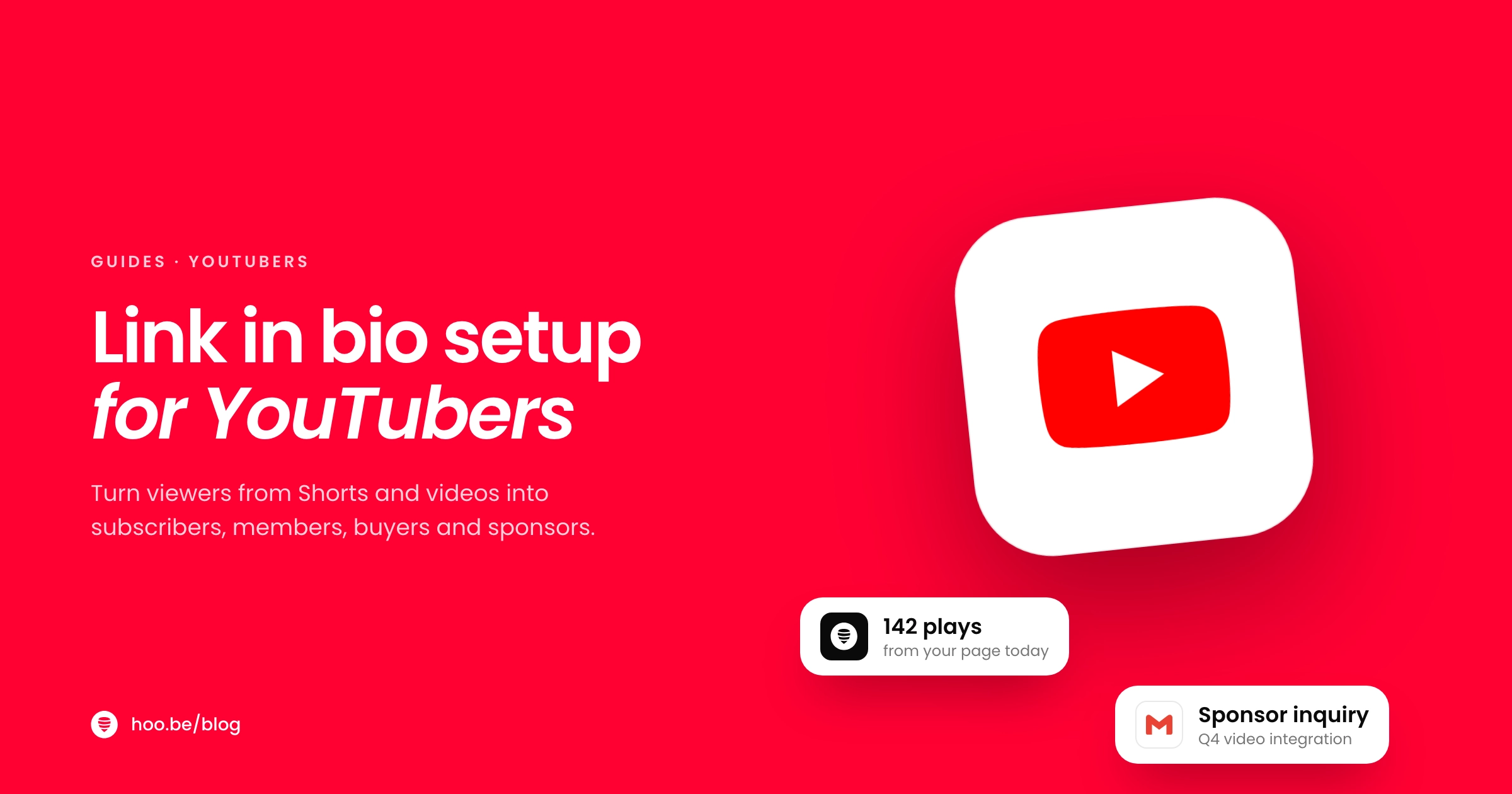
The best link in bio setup for YouTubers is one page that does what YouTube's own link spots cannot: it puts your best video, your memberships or tips, your products and affiliate picks, your sponsor contact and your other platforms in one place, then gets linked from your channel and every other profile you run. Viewers who found you through a Short or a recommendation get a clear next step instead of a dead end.
That gap is real. YouTube is huge (Shorts alone average 200 billion daily views, according to CEO Neal Mohan), but links in Shorts descriptions and comments are not clickable, and most of your promotion on Instagram, TikTok and X can only point to one link. Your link in bio is the one destination you control everywhere.
This guide covers where you can put links on YouTube in 2026, what your page should include and in what order, how to turn viewers into members, buyers and sponsors, and a setup you can finish today.
Key takeaways
- YouTube lets you show up to 14 channel links, and the first one appears on your channel's Home tab. Make that first link your link in bio.
- Links in Shorts descriptions and comments are not clickable. Use the Shorts related video link, and send Shorts viewers to your page from your channel.
- Lead with one featured video, then support, shop and sponsor sections, then your other platforms.
- YouTube creators earn the highest average brand payment of any platform in Lumanu's data: $2,228 per payment. Make the sponsor route obvious.
- YouTube's Partner Program bar doubles for new applicants on February 1, 2027. Build income streams that do not depend on it.
Where can you put links on YouTube in 2026?
Start with the links YouTube gives you, because your link in bio works best when it fills the gaps between them.
| Placement | What you can link | Limits |
|---|---|---|
 Channel links Channel links | Any external site | Up to 14 links; the first shows on your Home tab, the rest when viewers ask for more |
| Long-form descriptions and comments | Any URL | Clickable |
| End screens | Videos, playlists, subscribe, channel and website links | Last 5 to 20 seconds; up to 4 elements; website links need the Partner Program |
| Shorts related video | One of your videos, Shorts or lives | Shows as a clickable link under your handle |
| Shorts brand deal links | A brand partner's site or product page | Partner must report the deal through YouTube's partnership tools or Google Ads |
| Shorts descriptions and comments | Nothing clickable | URLs show as plain text |
Source: YouTube Help, as of October 2026.
Two things stand out. First, your first channel link is prime real estate: it sits on your channel's Home tab where every curious visitor lands. Second, Shorts are the biggest discovery engine on the platform, and they are also the hardest place to send people anywhere outside YouTube. YouTube makes URLs in Shorts descriptions and comments non-clickable to reduce spam and scams, so the path from a Short to your shop or newsletter runs through your channel page.
Why do YouTubers need a link in bio?
Because your audience does not only meet you on YouTube. Clips of your videos travel on Instagram, TikTok, X and Threads, and every one of those profiles has room for one main link. A link in bio gives all of them the same, up-to-date destination.
A link in bio also saves you work. When you launch merch, sign a sponsor or start a newsletter, you change one page instead of editing 14 channel links, a pinned comment and five social bios. And it gives brands one place to check you out.

What should a YouTuber's link in bio include?
Here is the order that works for most channels, top to bottom. Keep the page short enough that the most important link is visible without scrolling.
1. One featured video
Someone who taps your link from a Short or a clip is curious. Give them one video to watch next, embedded so it plays right on the page. Choose your newest upload if your audience follows you for news or weekly episodes. Choose your best-performing video if your channel is evergreen, such as tutorials, reviews or explainers.
2. A "start here" set
Add a playlist link or a small carousel with three videos that show what your channel is about. This is what turns a casual viewer into a subscriber, so pick videos that hold attention, not just the ones with the most views.
3. Memberships or support
If you run channel memberships, Patreon or a tip button, give it one clear spot near the top. Viewers who have just watched you for twenty minutes are the most likely to say yes. Pick one main option; several competing buttons dilute every one of them.
4. Products, merch and affiliate picks
Link the gear you use, the products you review and anything you sell. YouTube Shopping's affiliate program opened to channels with 500 subscribers in March 2026 (down from 1,000) in the US and several other markets, so you can tag products in videos early. Your page is where those same picks live for viewers who come from other apps. Group them into a few clear categories, such as "My camera kit" or "Best budget picks."
5. Sponsor and business contact
Brands should not have to dig through your About page for an email. Add a "Work with me" section with your media kit and a short inquiry form. More on this below.
6. Your other platforms and newsletter
Some people prefer to follow you on TikTok, Instagram or a podcast app. Add social icons for every platform you post on, and an email signup so you can announce videos without relying on the algorithm. Our guide on building an email list from your link in bio shows how.
Pro tip
Match the page to the video that sends the traffic. If a Short about a camera goes viral, move your camera kit section to the top for a week, and set that video as the Short's related video link. Then switch back when the spike fades.
How do YouTubers make money from their link in bio?
YouTube's own programs pay well, but they have thresholds, and those thresholds are rising. The Partner Program currently needs 1,000 subscribers plus 4,000 watch hours in 12 months or 10 million Shorts views in 90 days. From February 1, 2027, new applicants will need double that.
Public watch hours in 12 months needed to unlock YouTube monetization
Changing February 1, 2027
New Partner Program applicants will need 1,000 subscribers plus 8,000 public watch hours in 12 months, or 20 million Shorts views in 90 days. Channels already in the program keep their place. The 500-subscriber tier for fan funding, partnerships and Shopping stays at 3,000 hours or 3 million Shorts views.
That is why the money on your link in bio matters. These streams work before, alongside and after YouTube's programs.
| Income stream | Where it lives on your page | When it opens up |
|---|---|---|
| Brand deals | Media kit and inquiry form | As soon as you have an engaged niche audience |
 Affiliate links Affiliate links | Product links and gear lists | No minimum on most programs |
| YouTube Shopping | Tagged in videos, mirrored on your page | 500 subscribers in eligible markets |
| Memberships and Supers | A "Join" button linking to your channel | 500-subscriber tier of the Partner Program |
 Patreon Patreon | One support button | Any time; 10% platform fee for new creators |
| Tips, merch and digital products | Tip button and product blocks | Any time |
For a full breakdown of what each platform pays, read how to make money on social media.
How should you set up your link in bio for brand deals?
YouTube is where brand money goes furthest. Lumanu analyzed 255,000 creator payments worth $420 million and found YouTube creators earned an average of $2,228 per payment, the highest of any platform, even though YouTube made up only about 9% of all payments.

Make it easy for a brand manager to say yes:
- A one-page media kit. Subscribers, average views per video in the first 30 days, audience countries and age ranges, and two or three past partners if you have them. Our media kit guide covers what to include.
- Clear formats. Dedicated videos, integrations, Shorts and community posts. If you offer Shorts with brand deal links, say so.
- A short inquiry form. Company, email, budget range and timing. It filters vague requests and gives you what you need to quote.
Once a deal is live, disclose it. The FTC says a video endorsement should be disclosed in the video itself, not only in the description. If you are just starting, read how to land your first brand deal.
How to set up your YouTube link in bio, step by step
- Pick your page link. Use a short, readable handle that matches your channel name.
- Write a one-line intro. What your channel is about and who it is for, in plain words.
- Embed one featured video. Your newest upload or your best evergreen video.
- Add a "start here" set. A playlist or three-video carousel for new viewers.
- Add one support option. Memberships, Patreon or a tip button, near the top.
- Add your shop. Merch, digital products and affiliate picks, grouped by category.
- Add a "Work with me" section. Media kit link and a short inquiry form.
- Add social icons and an email signup. Every platform you post on.
- Make it your first channel link. In YouTube Studio, put your page first in your channel links so it shows on your Home tab, then add it to every social bio.
- Mention it in videos. Point to it in your outro and pin a comment with the link on long-form uploads.
How do you know if your link in bio is working?
Check your page analytics once a month and look for three signals.
- Clicks per link. Which sections get tapped? Move winners up and cut links nobody uses.
- Traffic sources. Which platforms send visitors? If TikTok sends more than Instagram, put more clip effort there.
- Conversions. Compare clicks on your shop, membership and sponsor sections with actual sales, sign-ups and inquiries.
Our link in bio audit walks through a full check. To grow the traffic itself, see how to get more views on YouTube.

What mistakes should YouTubers avoid?
- Linking your channel from your channel. Your first channel link should go somewhere new: your page, not another YouTube URL.
- Pasting links in Shorts descriptions. They are not clickable. Use the related video link and send people to your channel and page instead.
- Too many links. A wall of 25 buttons hides the three that earn. See common link in bio mistakes.
- No sponsor route. If a brand cannot find a contact in ten seconds, it moves on.
- Stale featured video. A "new video" that is two months old tells visitors the channel has slowed down.
- Relying only on ad revenue. Program rules change, as the 2027 Partner Program update shows. Spread your income.
One page for every viewer who wants more
hoo.be embeds YouTube videos and Shorts, connects your YouTube account, adds product links from 30 shopping platforms, takes tips from $1 to $500, and collects sponsor inquiries with forms. A YouTube tab in analytics shows what your audience taps. Free to start.
Build your YouTube page on hoo.beFrequently asked questions
What should a YouTuber put in their link in bio?
Put one featured video at the top, then a "start here" playlist, one support option such as memberships or tips, your products and affiliate picks, a sponsor section with a media kit and inquiry form, and icons for your other platforms plus an email signup.
How many links can you add to a YouTube channel?
YouTube lets you show up to 14 links on your channel. The first link appears on your channel's Home tab, and the rest show when viewers ask for more. Put your link in bio first so every channel visitor sees it.
Can you put clickable links in YouTube Shorts?
Not in descriptions or comments: YouTube makes URLs there non-clickable to reduce spam. You can add a related video link that shows under your handle, and creators with reported brand partnerships can add brand deal links as a sticker or description link.
Can new channels add website links to end screens?
End screens appear in the last 5 to 20 seconds of a video at least 25 seconds long and can hold up to four elements. Website links are only available to channels in the YouTube Partner Program, so newer channels should rely on channel links and descriptions.
What are the YouTube Partner Program requirements in 2027?
From February 1, 2027, new applicants need 1,000 subscribers plus 8,000 public watch hours in 12 months, or 20 million Shorts views in 90 days. Existing partners keep their status, and the 500-subscriber tier stays at 3,000 hours or 3 million Shorts views.
How much do YouTubers earn from brand deals?
In Lumanu's analysis of $420 million in creator payments, YouTube creators earned an average of $2,228 per payment, the highest of any platform, ahead of TikTok at $2,049. Rates depend on niche, views and the format a brand buys.
Sources
- YouTube Blog, From the CEO: What's coming to YouTube in 2026 (Jan 2026)
- YouTube Help, Manage your channel's profile (channel links)
- YouTube Help, Clickable links on YouTube
- YouTube Help, Add end screens to videos
- YouTube Help, Add a related video to your YouTube Shorts
- YouTube Help, Brand deal links in Shorts
- YouTube Help, YouTube Partner Program overview and eligibility
- The Next Web, YouTube Partner Program doubles entry requirements for 2027 (Aug 2026)
- Social Media Today, YouTube expands Shopping affiliate access (Mar 2026)
- Lumanu, creator payout analysis (Sep 2026)
- Patreon, Pricing
- FTC, Disclosures 101 for Social Media Influencers