In this article
- What is Flowcode, and what changed in 2026?
- How much does Flowcode cost in 2026?
- Why look for a Flowcode alternative?
- What are the best Flowcode alternatives in 2026?
- How do Flowcode alternatives compare?
- Do you need a dynamic QR code or a static one?
- How do you set up a QR code that points to your link in bio?
- Which Flowcode alternative should you choose?
- Frequently asked questions
The best Flowcode alternatives in 2026 are Bitly if you want links, QR codes and simple landing pages in one place, Linktree, Beacons, Lnk.Bio or Milkshake if you mainly need a link in bio page you can share by QR code, and hoo.be if you want that page to sell, take tips and collect emails. Flowcode is still a strong choice for brands running large QR campaigns, but it is no longer built around individual creators.
Flowcode now presents itself as an enterprise conversion platform. Its main product, Flowcode 2, is sold through demos and covers QR codes, short links, branded "FlowHubs" and customer data tools. The self-serve product for individuals, now called Flowcode 1, has a free plan with 2 dynamic QR codes and analytics for 500 scans, and paid plans that bill annually.
Most creators and small businesses need two things: a QR code, and a good page for it to point to. This guide compares the tools that do each job well, on current 2026 pricing, and shows how to set up a QR code you never have to reprint.
Key takeaways
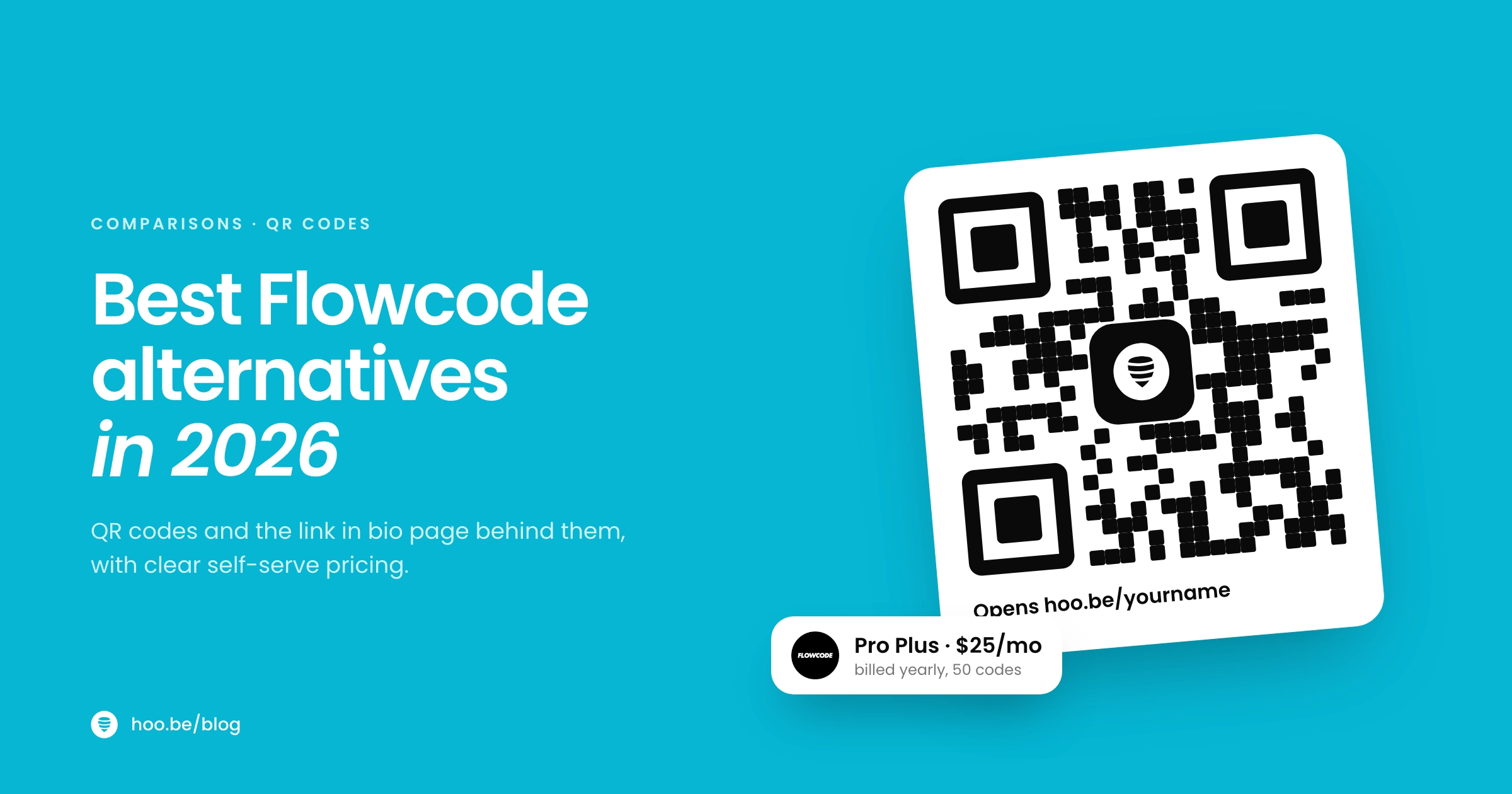
- Flowcode's self-serve plans are Free (2 dynamic codes, 500 scans of analytics), Pro Plus ($25 a month, billed annually) and Growth ($250, annual billing only). Enterprise plans need a demo.
- Bitly is the closest all-round alternative: its free plan includes 2 QR codes a month, 5 short links and 2 landing pages, and paid plans start at $10 a month billed annually.
- If your QR code points to a link in bio page, a free static code is usually enough. You update the page, not the code.
- Beacons, Lnk.Bio and Milkshake all include QR code sharing on their free plans. Lnk.Bio lets you download codes as SVG or EPS for print.
- Pick the page first. The QR code is just the door; the page decides whether people buy, sign up or leave.
What is Flowcode, and what changed in 2026?
Flowcode started as a design-friendly QR code generator, with a companion link in bio product called Flowpage. Today its website leads with enterprise brands. It says it is trusted by more than 75% of Fortune 500 companies, and its sales flow starts with a demo request rather than a sign-up form.
The product is split in two. Flowcode 2 is the enterprise platform: Flowcodes (QR codes), FlowURLs (short links), FlowHubs (branded mobile landing pages) and FlowID, a customer identity layer with CRM and data integrations. Flowcode 1 is the "classic QR code manager" for individuals and small teams, with the self-serve plans below.

How much does Flowcode cost in 2026?
| Plan | Price | What you get |
|---|---|---|
| Free | $0 | Up to 2 Flowcodes and 2 mobile landing pages, analytics for up to 500 scans, ad free |
| Pro Plus | $25/mo, billed annually | Up to 50 Flowcodes and landing pages, analytics for up to 6,000 scans, 3 collaboration seats |
| Growth | $250, annual billing only | Starts at 150 Flowcodes and landing pages, 10,000 scans with geolocation data, CRM integrations, API access, priority support |
| Growth Plus (Flowcode 2) | Usage based, by demo | Custom use case built at onboarding, audience builder for retargeting, CRM and CDP integrations |
| Enterprise (Flowcode 2) | Custom | Unlimited codes and pages (rate card applies), custom API work, dedicated success team |
Source: Flowcode pricing page, October 2026. Flowcode lists codes as scannable for life on every self-serve plan.
Flowcode has real strengths: polished code design, the ability to change a code's destination at any time, smart routing by day, device or location, and data tools that larger marketing teams value. The question is whether you need them.
Why look for a Flowcode alternative?
- You are a creator, not a campaign team. Your traffic comes mostly from social apps, so a link in bio page matters more than advanced QR routing.
- Free analytics run out fast. The free plan covers 500 scans of analytics. A single event or flyer run can pass that.
- Annual billing. Pro Plus is quoted per month but billed annually, and Growth is annual only. If you want month-to-month, look elsewhere.
- The enterprise focus. New features and the main sales flow are aimed at large brands, with demos and onboarding rather than instant sign-up.
- You want the page to do more. Selling products, taking tips, listing tour dates or capturing emails on the landing page itself.
What are the best Flowcode alternatives in 2026?
1. Bitly: best all-round link and QR platform
Bitly covers short links, QR codes, landing pages and a link in bio feature in one account. Its free plan (labelled "with ads" on the pricing page) includes 2 QR codes and 5 short links a month, 2 custom landing pages and unlimited clicks and scans. Core costs $10 a month, billed annually only, and adds 30 days of click and scan data, QR code redirects and more codes. Growth ($29 a month billed annually, or $35 monthly) adds a complimentary custom domain, branded links and 4 months of data. Premium ($199 a month billed annually, or $300 monthly) adds a year of data and city and device breakdowns.
Trade-off: Bitly's landing pages are simple, so creators who want a richer bio page often pair it with a dedicated tool.
2. hoo.be: best page to point your QR code at
hoo.be is a link in bio platform, not a QR code generator. Its job is the page behind the code: hoo.be/yourname, built from blocks for links, swipeable carousels, products with a price and shop button, tips, events with ticket links, and forms that collect emails, phone numbers and other details. It embeds content from 19 platforms, including Ticketmaster, Bandsintown, Laylo, Spotify and YouTube, which suits event and merch QR codes well.
Contacts and form responses export to CSV, and you can add a Facebook Pixel, TikTok Pixel or Google Analytics ID to measure visits. Pro adds page scheduling, a scheduled redirect link, branding removal, custom SEO and referrer, device, country and city analytics. Premium adds custom domains and up to five profiles. Point any QR generator at your hoo.be URL. Prices are on hoo.be/pricing.
Trade-off: you create the QR code itself with a separate generator.
3. Linktree: best familiar link in bio
Linktree says it has more than 70 million users and encourages sharing your page through a QR code on print materials. The free plan includes unlimited basic links and email and phone sign-ups. Starter costs $8 a month ($6 billed annually), Pro $15 ($12 annually) with branding removal and 0% Linktree selling fees, and Premium $35 ($30 annually) with link rules and routing, all-time analytics and data export.
Trade-off: the routing and deeper analytics that compare to Flowcode's sit on Premium. More in our Linktree alternatives guide.
4. Beacons: best for QR plus a storefront
Beacons includes a QR code and an Apple Wallet card for your page on every plan, including Free. Its free plan also lets you sell unlimited digital products with a 9% seller fee. Creator ($10 a month, or $100 a year) adds a free custom domain and link redirects, and Creator Plus ($30 a month, or $300 a year) removes Beacons branding and seller fees. Creator Max even includes a physical NFC card linked to your page.
Trade-off: branding removal starts at $30 a month. See our Beacons alternatives breakdown.
5. Lnk.Bio: best for print-ready codes
Every Lnk.Bio plan, including Free, can download your page's QR code in high resolution as PNG, SVG or EPS, with your logo in the middle. That matters if you send codes to a printer. Paid plans are Mini (from $0.99 a month) and Unique ($24.99 once), and a custom domain is a $29.99-a-year add-on.
Trade-off: there are no per-code scan analytics; you see visits and clicks for your page. More in our Lnk.Bio comparison.
6. Milkshake: best quick mobile site
Milkshake builds a swipeable mini website on your phone, and its free plan includes QR code sharing, unlimited links and 30 days of insights. Lite ($2.99 a month) removes branding, and Pro ($6.99 a month, or $59.99 a year) adds a contact form, mailing list sync, SEO tools and a Meta pixel.
Trade-off: sales carry a 12% Milkshake fee on Free and Lite, falling to 7% on Pro+.
How do Flowcode alternatives compare?
| Tool | Best for | QR codes | Free plan | Entry paid plan |
|---|---|---|---|---|
| Flowcode | Brand QR campaigns | Dynamic, editable | 2 codes, 500 scans of analytics | $25/mo, billed annually |
 Bitly Bitly | Links, QR and pages in one | Dynamic, editable from Core | 2 QR codes a month, ad supported | $10/mo, annual only |
 hoo.be hoo.be | The page behind the code | Use any generator | Links, products, tips, forms | See hoo.be/pricing |
 Linktree Linktree | Familiar link in bio | QR sharing for your page | Unlimited basic links | $8/mo, or $6 annually |
 Beacons Beacons | QR plus storefront | QR and Apple Wallet card | Store with 9% seller fee | $10/mo, or $100/yr |
| Lnk.Bio | Print-ready codes | PNG, SVG, EPS with logo | Unlimited links | $0.99/mo, or $24.99 once |
| Milkshake | Quick mobile site | QR sharing | Unlimited links and Cards | $2.99/mo |
Entry paid plan with annual billing, per month
Do you need a dynamic QR code or a static one?
This is the question that decides whether you need to pay at all.
A static QR code stores your URL directly in the pattern. It works forever, costs nothing and never depends on a subscription, but you cannot change where it goes after printing. A dynamic QR code stores a short redirect link that the provider controls. You can change the destination later and see scan counts, which is what Flowcode, Bitly and similar tools charge for.
If your code points to a page you control, such as your link in bio, you get most of the benefit of a dynamic code for free. The code always opens the same page. You change what is on the page.
Pro tip
Point printed QR codes at your link in bio, not at a single product or post. When the campaign ends, move a new link to the top of your page and every flyer, sticker and business card is up to date. Our guide on link in bio vs. landing page explains when a dedicated page is worth it instead.
Before you print
If you use a dynamic code, check what happens when you downgrade or cancel. Flowcode states its codes keep scanning on every self-serve plan. With any provider, confirm the policy before you print thousands of copies.
How do you set up a QR code that points to your link in bio?
- Build the page first. Put the action you want from scanners at the top: buy, book, sign up or follow. People scanning a code at an event want one obvious next step.
- Add a way to stay in touch. An email or phone signup form turns a one-time scan into a contact you can reach again. Our guide to building an email list from your link in bio covers what to offer.
- Generate the code. Use your link in bio tool's built-in QR option if it has one, or any free generator. Download a vector format (SVG or EPS) for print.
- Test it in real conditions. Print a sample at actual size and scan it with two different phones, in normal light, from the distance people will stand.
- Add a short call to action. "Scan for tour dates" gets more scans than a bare code. Keep a quiet margin around the code so cameras can read it.
- Watch your analytics. Compare visits during the event or campaign against a normal week to see what the code added.

Which Flowcode alternative should you choose?
Match the tool to the job you actually do:
- You run QR campaigns for a brand with packaging, retail displays or many locations: stay with Flowcode, or compare it with Bitly Growth or Premium.
- You want short links and QR codes with scan data, without enterprise onboarding: Bitly.
- You are a creator or small business sharing one page everywhere: a link in bio tool plus a static QR code. Choose hoo.be, Linktree, Beacons, Lnk.Bio or Milkshake based on what the page needs to do.
- You print a lot: Lnk.Bio's free SVG and EPS downloads save a step with your printer.
- You sell at events or online: Beacons or hoo.be, so the page can take money as well as clicks.

Whichever you pick, the page decides the result. Use our guide to what to add to your link in bio to plan it.
Give your QR code a page worth scanning
hoo.be puts links, products, tips, events and email signup on one page, with analytics that show what gets tapped. Free to start.
Claim your hoo.beFrequently asked questions
Is Flowcode free?
Flowcode has a free plan with up to 2 dynamic QR codes, 2 mobile landing pages and analytics for up to 500 scans. Paid self-serve plans are Pro Plus at $25 a month billed annually and Growth at $250 with annual billing only. Enterprise plans are priced by demo.
What is the best free alternative to Flowcode?
For QR codes with tracking, Bitly's free plan includes 2 QR codes and 5 short links a month. If you just need a code that opens your page, Beacons, Lnk.Bio and Milkshake all include QR code sharing on their free plans, and any free static QR generator works with any link in bio URL.
What happened to Flowpage?
Flowpage was Flowcode's link in bio product. Flowcode now organizes its products as Flowcode 2, an enterprise platform with FlowHubs as its branded landing pages, and Flowcode 1, a classic QR code manager whose self-serve plans include mobile landing pages.
Do QR codes expire?
Static QR codes never expire because the URL is stored in the code itself. Dynamic codes depend on the provider's redirect service. Flowcode says its codes keep scanning on all self-serve plans, but check the policy of any provider before printing.
Do creators need a dynamic QR code?
Usually not. If your code points to your link in bio, you can change what people see by editing the page, so a free static code does the job. Dynamic codes are worth paying for when you need scan counts per code or plan to send one code to different destinations over time.
Is Bitly cheaper than Flowcode?
At the entry level, yes. Bitly Core costs $10 a month billed annually, against $25 a month billed annually for Flowcode Pro Plus. The plans include different limits, so compare the number of codes, scan data and seats you need.
Sources
- Flowcode, Pricing and plan comparison (accessed Oct 2026)
- Flowcode, Homepage and product overview
- Flowcode, FlowHubs
- Flowcode, What is Flowpage? (Aug 2021)
- Bitly, Pricing (accessed Oct 2026)
- Linktree, Pricing and FAQ (accessed Oct 2026)
- Beacons, Plans and feature comparison (accessed Oct 2026)
- Lnk.Bio, All features by plan (updated May 2026)
- Milkshake, Pricing and selling fees (accessed Oct 2026)