In this article
- What is ContactInBio, and why look for an alternative?
- What should a ContactInBio alternative do?
- What are the best ContactInBio alternatives in 2026?
- How much do ContactInBio alternatives cost?
- Which ContactInBio alternative is best for your business?
- How do you switch from ContactInBio without losing leads?
- Is ContactInBio still worth using in 2026?
- Frequently asked questions
The best ContactInBio alternatives in 2026 are hoo.be for creators who want contact forms, tips and products on one page, Taplink for service businesses that live in WhatsApp and Telegram, and Linktree if you want the most familiar name with free email and phone sign-ups. Lnk.Bio, Beacons, Milkshake and Carrd round out the list for specific needs like bookings, swipeable pages or a full one-page site.
ContactInBio still does what it promises: a micro-landing page with messenger buttons, a contact form and a small store. But its homepage footer still reads 2021, features like custom forms are labelled "coming soon", and most of its useful extras sit behind a paid plan. If you want a page that is actively growing with you, it is worth comparing.
This guide compares seven alternatives on the things ContactInBio users actually care about: how people reach you, how you take payments, what the free plan includes and what an upgrade costs. Every price below comes from each company's own pricing page or app listing, checked in October 2026.
Key takeaways
- ContactInBio's paid plans list at $7 a month, $4 a month billed yearly, or $91 once for lifetime access. Video, image carousels, selling and email sign-up are paid features.
- Taplink is the closest like-for-like swap: messenger buttons, click-to-call and maps are free, and forms, payments and a CRM come with its Business plan.
- hoo.be suits creators and small brands: Contact collection and Forms blocks, CSV export, tips, products and events on one page, with a free plan.
- Linktree's free plan now includes email and phone sign-ups, so you can capture leads without paying.
- Before you switch, export your contacts and keep your old link live until every bio and printed QR code points to the new page.
What is ContactInBio, and why look for an alternative?
ContactInBio is a link in bio builder aimed at small businesses that sell through Instagram. Its pitch is contact first: instead of a plain list of links, you get "smart" messenger links that open WhatsApp, Telegram, Viber, Skype or Facebook Messenger with your number already filled in, plus a contact form that sends messages to your email.
The free Starter plan covers custom links, social buttons, a WhatsApp button, a contact form, music service links, custom text, link click tracking and visitor analytics. Paid plans add the rest of the toolkit: Facebook Pixel, Mailchimp email sign-up, video and image uploads, image carousels, branding removal and selling products with PayPal checkout. ContactInBio also lets you pick from four page addresses, including yourname.contactin.bio and allmy.link/yourname.

So why switch? The common reasons are practical:
- Pace of updates. The site footer still says 2021, and custom forms and an Instagram shoppable feed are still listed as "coming soon".
- Paywalled basics. Images, video and email capture are paid features. Several alternatives include more of that on a free plan.
- Creator features. ContactInBio is built for shops and service businesses. If you also run brand deals, affiliate links or take tips, a creator-focused tool fits better.
- Richer forms. A single contact form is limiting if you want to qualify leads with questions such as budget, date or location.
What should a ContactInBio alternative do?
Most people choose ContactInBio for one job: making it effortless for a follower to get in touch. Your replacement should do that job at least as well. Use this checklist.
Make contact one tap away
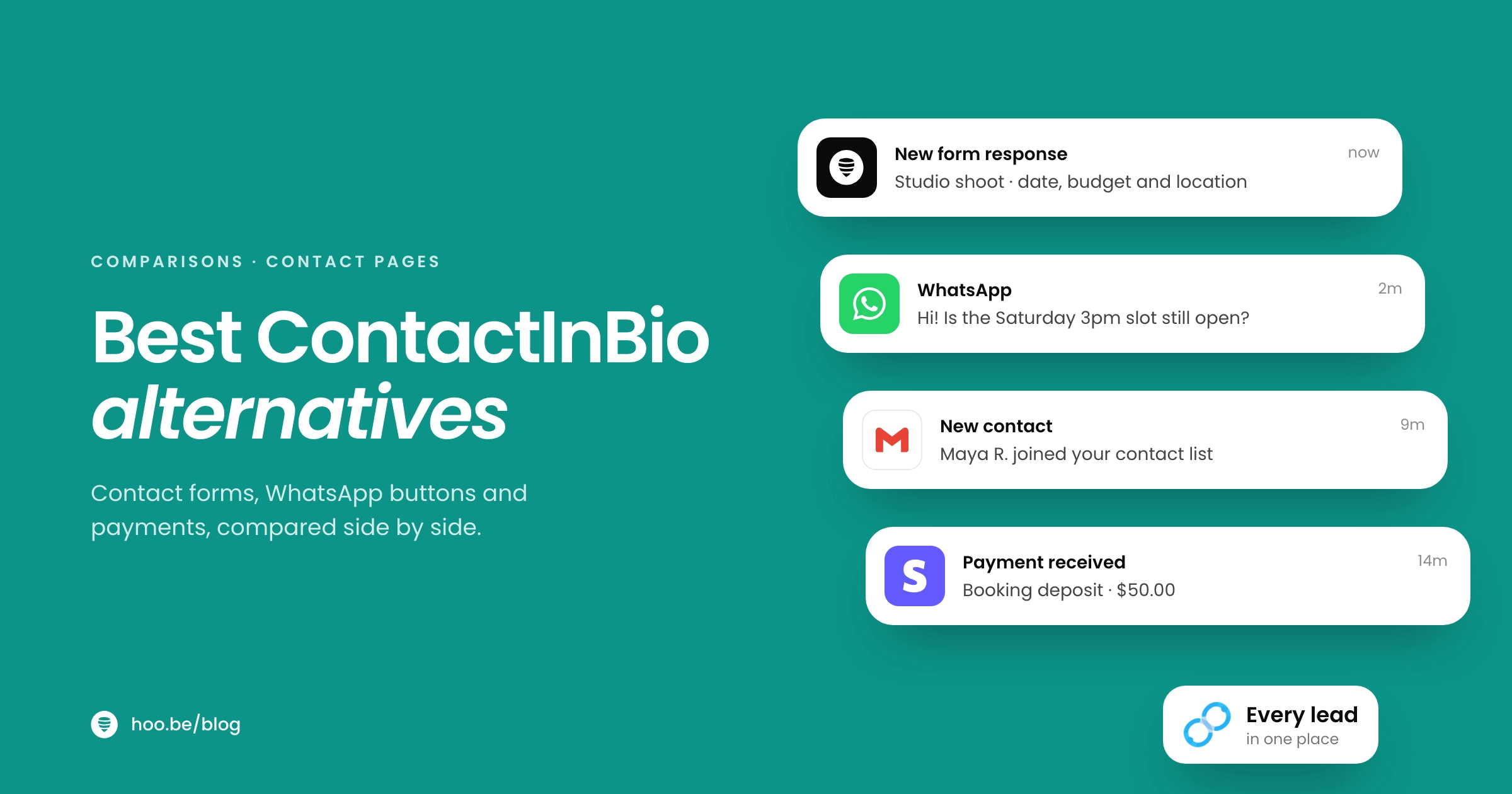
Look for messenger and click-to-call buttons, a contact form that lands in your inbox, and a way to see and export every lead. If a form only emails you, you have no list to work from later.
Collect more than a name and email
Good forms let you add phone, address, dropdowns and yes or no questions, so a wedding photographer can ask for the date and a coach can ask for goals before the first call.
Take money without a second tool
Payments, product cards or tips on the same page save your customer a step. Check the platform fee on each plan as well as the headline price.
Show what is working
Click analytics per link and support for the Facebook Pixel or Google Analytics let you see which buttons earn and retarget visitors who did not convert.
For a wider view of what modern tools include, see our link in bio features guide.
What are the best ContactInBio alternatives in 2026?
Here is how the seven options compare on contact tools, selling and price. "Paid from" is the lowest list price shown on each company's own page.
| Tool | Best for | Contact and lead tools | Paid from |
|---|---|---|---|
 hoo.be hoo.be | Creators and small brands | Contact collection and Forms blocks, CSV export, tips, products, events | Free plan; see hoo.be/pricing |
| Taplink | Service businesses on messengers | Messenger, SMS and call buttons free; forms, payments and CRM on Business | $4/mo, billed yearly |
 Linktree Linktree | A familiar, all-round option | Email and phone sign-ups on Free; mailing list integrations on Pro | $6/mo, billed yearly |
| Lnk.Bio | Appointments on a budget | Booking calendar add-on, tips with no Lnk.Bio commission | $0.99/mo in the iOS app |
 Beacons Beacons | Selling services and products | Subscriber lists, digital products and services, tips | See beacons.ai/pricing |
| Milkshake | Swipeable, mobile-made pages | Contact form card and mailing list on Pro | $2.99/mo |
| Carrd | A full one-page website | Contact, signup and payment forms on Pro Standard | $9/year |
Prices in USD from each provider's pricing page or App Store listing, October 2026. ContactInBio for reference: $7/mo, $4/mo billed yearly, or $91 lifetime at list price.
1. hoo.be
hoo.be is a link in bio platform where your page at hoo.be/yourname is built from blocks. For a ContactInBio user, two blocks matter most. Contact collection gathers emails and phone numbers, and Forms let you build your own intake form with text, email, phone, select, yes or no and address fields. Every contact and form response exports to CSV, so your leads are never stuck on the platform.
Around that you can add Product blocks with a price and shop button, Events with ticket links, a Tips block (from $1 to $500 per tip, paid through Stripe), carousels of links and embeds from 19 platforms, including Instagram, YouTube, TikTok and Spotify. Up to 100 social icons fit on one page. Tracking pixels for Facebook and TikTok and a Google Analytics ID are built in.
Good to know: Free includes 7- and 30-day analytics. Pro adds unlimited contacts, branding removal, custom SEO and deeper analytics by referrer, device and location. Premium adds custom domains and up to five profiles. hoo.be is built for creators first, so if you take appointments, add your booking tool or WhatsApp chat link as a Link block.
2. Taplink
Taplink is the closest match to ContactInBio's business-first approach. Its free Basic plan includes unlimited links, messaging app links, send-email and send-SMS buttons, click-to-call, a "save contact" button, maps, text and FAQ blocks and page view stats.
The paid tiers split cleanly. Pro adds images, video, music, price lists, custom HTML, pixel support, scheduled blocks and click analytics. Business adds application forms, payments, digital products, a built-in CRM, automated emails, lead notifications, a custom domain and branding removal, with a 0% Taplink transaction fee. On 12-month billing, Taplink lists Pro at $4 a month and Business at $8 a month.
Best for: salons, studios, tutors and local shops that take bookings over WhatsApp and want a lightweight CRM.
3. Linktree
Linktree is the best-known link in bio tool and says it has more than 70 million users. Its Free plan now includes unlimited basic links and email and phone sign-ups, which covers the core of what many people used ContactInBio's contact form for.
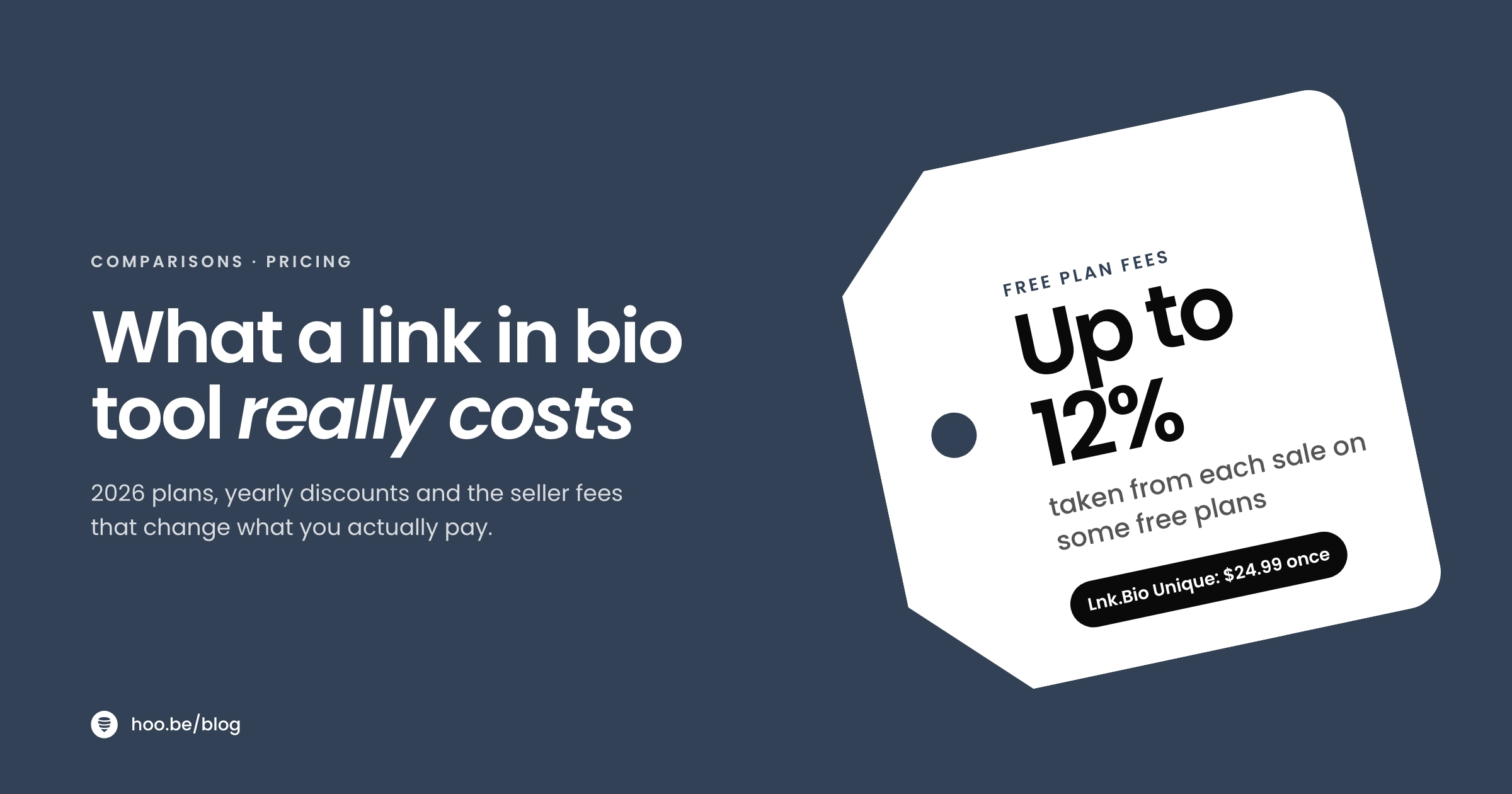
Paid tiers start with Starter at $8 a month, or $6 billed yearly. Pro removes the Linktree logo and adds custom designs and mailing list integrations at $15 a month or $12 billed yearly. Premium, at $35 a month or $30 billed yearly, adds link routing, all-time analytics, data export, social scheduling and Instagram auto-replies. Linktree's plan table lists a 12% fee on digital product sales on Free, falling to 0% on Premium. Our Linktree alternatives guide goes deeper.
4. Lnk.Bio
Lnk.Bio is a lean, low-cost option with a feature many service businesses want: a booking calendar, sold as an add-on at $4 a month in the iOS app. It also supports tips and donations with no commission taken by Lnk.Bio, music and video embeds, and links you can schedule in advance.
Upgrades are cheap and flexible. The App Store lists Lnk.Bio Mini at $0.99 a month or $9.99 once, and Unique at $24.99 as a one-time purchase. Prices on the web can differ from in-app prices. See our Lnk.Bio comparison for more.
5. Beacons
Beacons positions itself as a creator business tool and says more than 2 million creators use it. In its own words, you can sell digital products and services, collect tips and donations, share storefronts, promote events and build subscriber lists, across multiple pages with a drag-and-drop editor.
If ContactInBio's store was the reason you signed up, Beacons gives you more room to sell. Check beacons.ai/pricing for current plan prices and fees, which we could not confirm directly for this guide. Our Beacons alternatives guide compares it in detail.
6. Milkshake
Milkshake builds your page as a set of swipeable Cards, made entirely on your phone. The free plan includes unlimited links and Cards, templates, color and font controls, 30 days of analytics and selling digital files with Stripe (with a 12% Milkshake fee on Free).
For contact, you need Pro at $6.99 a month or $59.99 a year: it adds a contact form Card, a mailing list that syncs to Google Sheets or Mailchimp, the Meta pixel, SEO tools and a lower 9% selling fee. Lite, at $2.99 a month, only removes Milkshake branding. Pro+ adds a custom domain and Google Analytics.
7. Carrd
If you have outgrown a link page and want a real one-page website, Carrd is the value pick. Pro plans are billed yearly: Pro Lite starts at $9 a year and removes branding, while Pro Standard at $19 a year adds custom domains, analytics, embeds and forms for contact, newsletter signup and payments. It takes more setup than a link in bio tool, so read our link in bio vs landing page breakdown first.
How much do ContactInBio alternatives cost?
Most people upgrade for one reason: to remove the platform's logo and look professional. Here is the lowest list price to do that on each tool, converted to a monthly figure.
Cheapest plan that removes branding, USD per month
Price alone is a poor guide, though. The cheaper plans above remove branding but do not add forms or payments. Compare the plan that gives you the job you need: on Taplink that is Business, on Milkshake it is Pro, on Carrd it is Pro Standard. For a full breakdown across more tools, see our link in bio pricing comparison.
Pro tip
Watch the fee on each sale as well as the monthly price. Linktree lists a 12% fee on digital product sales on its Free plan, and Milkshake charges 12% on Free, 9% on Pro and 7% on Pro+. On hoo.be, the platform fee on tips is 9% on Free, 5% on Pro and 0% on Premium, with Stripe's processing fee charged separately on all of them.
Which ContactInBio alternative is best for your business?

Match the tool to how your customers prefer to reach you.
- You take bookings over WhatsApp or Telegram: Taplink. Messenger buttons are free, and Business adds forms, payments and a CRM.
- You need a calendar people can book directly: Lnk.Bio with its booking calendar add-on, or Beacons if you also sell services.
- You are a creator who also gets brand and client enquiries: hoo.be. A Forms block for enquiries, Contact collection for your list, plus tips, products and affiliate links in one place.
- You just want sign-ups without paying: Linktree Free, which includes email and phone sign-ups.
- You want a site that feels like an app: Milkshake's swipeable Cards.
- You want a proper website for very little: Carrd Pro Standard.
If growing an email list is the main goal, our guide to building an email list from your link in bio covers the form design and incentives that get people to sign up.
How do you switch from ContactInBio without losing leads?
A switch takes about an hour if you do it in this order. The goal is that no follower ever lands on a dead page.
- Export what you have. Save your collected emails and copy every link, product, price and description from your ContactInBio page into a document.
- Build the new page first. Recreate your links in the new tool, starting with your contact options at the top. Add your WhatsApp or phone link, then your form.
- Rebuild your form with better questions. Add the two or three fields you always ask in your first message, such as date, budget or location. On hoo.be that means a Forms block with phone, select or address fields.
- Reconnect tracking. Add your Facebook Pixel, TikTok Pixel or Google Analytics ID so your ad audiences keep building.
- Test on a phone. Open the page from inside Instagram and TikTok, tap every button, and submit a test form.
- Update every bio and QR code. Change your Instagram, TikTok, Facebook and Google Business profile links. Reprint menus, cards or flyers that use the old address.
- Keep the old page live for a while. Replace your ContactInBio links with one button that points to your new page, so old shares and screenshots still reach you.
Did you know?
Instagram has started testing clickable links in post captions, but only for Meta Verified subscribers and capped at 10 links a month, according to Engadget. For most accounts, the bio link is still the main way off the app, so it is worth getting right.
Is ContactInBio still worth using in 2026?
It can be. If you already pay for the lifetime plan, your page works and your customers reach you on WhatsApp without friction, there is no urgent reason to move. ContactInBio's lifetime option at $91 list price is unusual in this market, and its messenger smart links are genuinely useful for local businesses.
It makes sense to switch if you want features ContactInBio has not shipped, such as custom multi-field forms, or if you are a creator who needs tips, affiliate links and brand-friendly analytics on the same page. Run a quick link in bio audit on your current page first: if most taps go to one or two buttons, any tool on this list will serve you, and you can pick on price and design.
Turn followers into contacts you keep
hoo.be gives you Contact collection and Forms blocks with CSV export, plus tips, products, events and 19 embeds on one page. Start on the free plan.
Create your hoo.beFrequently asked questions
What is the best free alternative to ContactInBio?
Taplink's free Basic plan is the closest match, with unlimited links, messenger buttons, click-to-call and maps. Linktree Free is a strong second because it includes email and phone sign-ups. If you are a creator who also wants tips and products, hoo.be offers Contact collection and Forms blocks and has a free plan.
How much does ContactInBio cost in 2026?
ContactInBio's free Starter plan costs nothing. Its Business plan lists at $7 a month, or $4 a month billed yearly, and a lifetime plan costs $91 once. Agency plans for five accounts start at $21 a month billed yearly. The site was showing a 35% discount in October 2026.
Which link in bio tool has a WhatsApp button?
ContactInBio and Taplink both offer messenger smart links for WhatsApp, Telegram and others, and Taplink includes them on its free plan. With most other tools, including hoo.be and Linktree, you add your WhatsApp chat link as a regular link.
Can I take bookings from my link in bio?
Yes. Lnk.Bio sells a booking calendar add-on, and Beacons supports selling services. Many people also add a Calendly or Cal.com link as a button. If you only need enquiries rather than instant booking, a form with a date field works well.
Which ContactInBio alternative is best for collecting leads?
Taplink Business includes application forms, a CRM, automated emails and lead notifications. hoo.be's Forms and Contact collection blocks export to CSV, with unlimited contacts on Pro. Linktree collects email and phone sign-ups on its free plan.
Will I lose my contacts if I switch from ContactInBio?
Not if you export them first. Save your collected emails before you change anything, then import them into your email tool. Keep your old page live with a single link to your new page until every bio and QR code is updated.
Sources
- ContactInBio, features and pricing (accessed Oct 2026)
- ContactInBio, FAQ
- Taplink, features overview
- Taplink, pricing and plan comparison (accessed Oct 2026)
- Linktree, pricing (accessed Oct 2026)
- Lnk.Bio on the App Store, features and in-app purchases
- Beacons on the App Store, features
- Milkshake, pricing (accessed Oct 2026)
- Milkshake, selling fees
- Carrd, Pro plans (accessed Oct 2026)
- Engadget, Meta tests clickable links in Instagram captions (Mar 2026)
- hoo.be, plans and pricing